
How do I create and manage a group chat?
To create a group, press the New group button next to the Private Chats heading in the left panel, type a group name (up to 45 characters), pick people and press Create group. A group can have up to 256 people, and the person who creates it is the Owner. The group name, description, photo, members and admins are managed from the group info, which opens when you click the chat title.
Creating a group
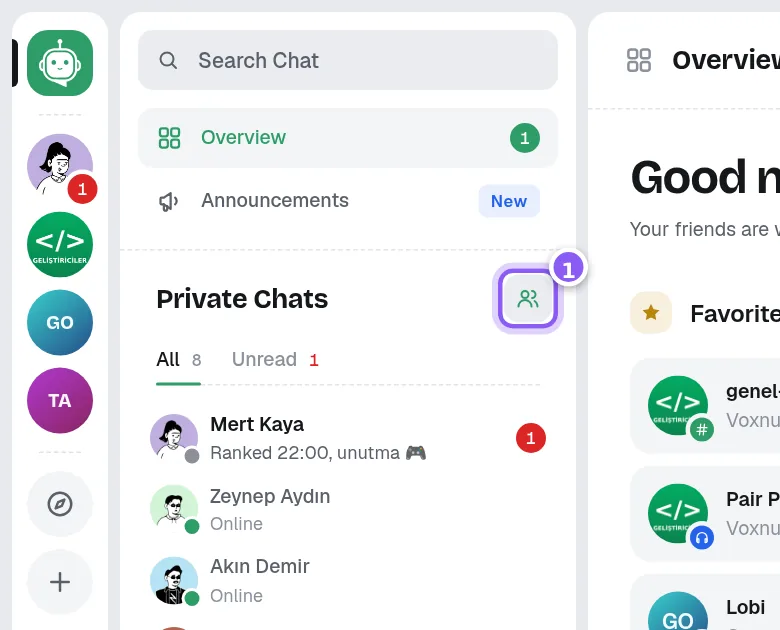
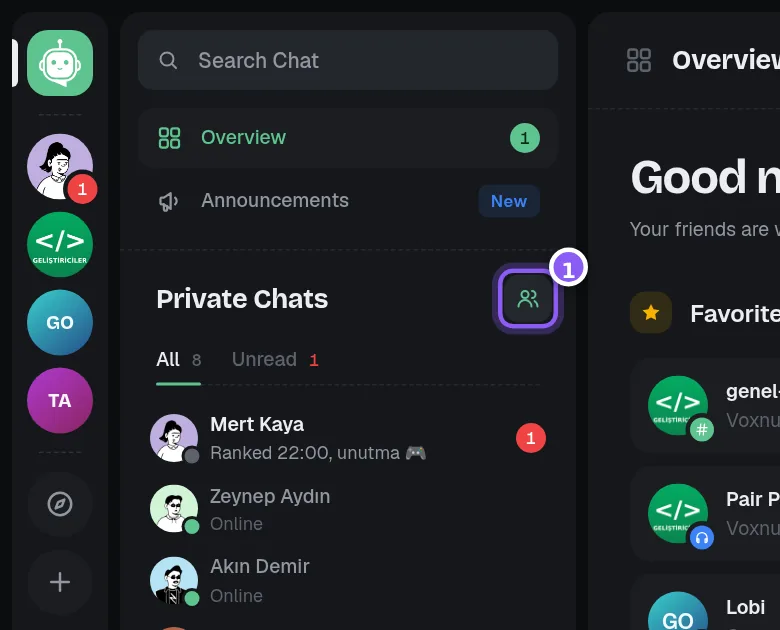
Press the New group button
Press the New group button next to the Private Chats heading in the left panel.
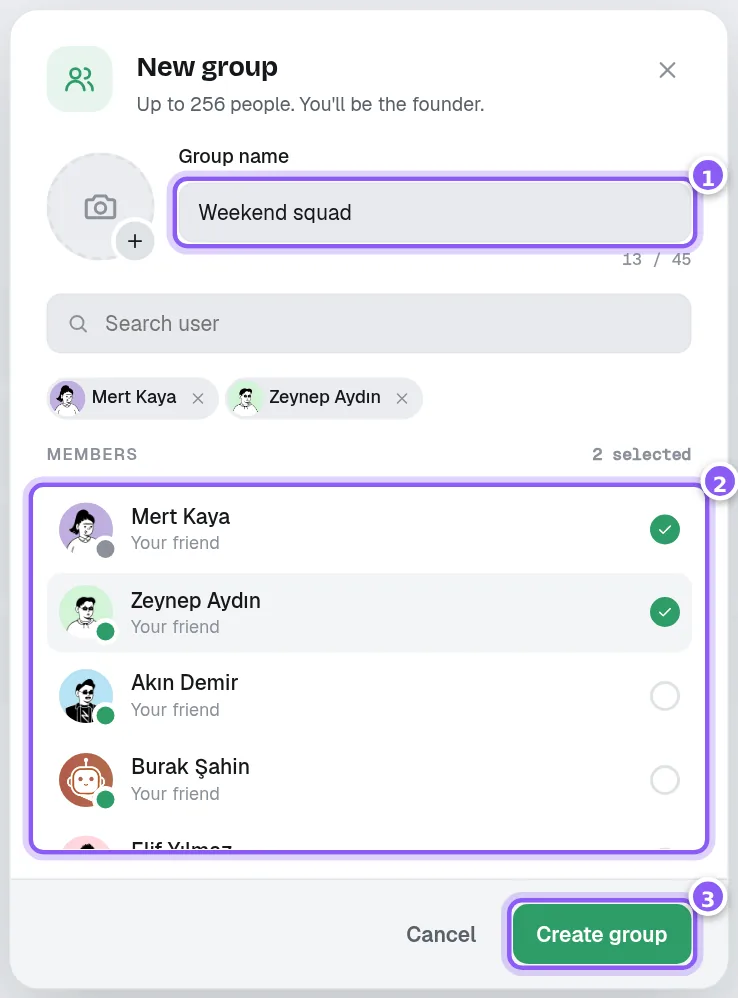
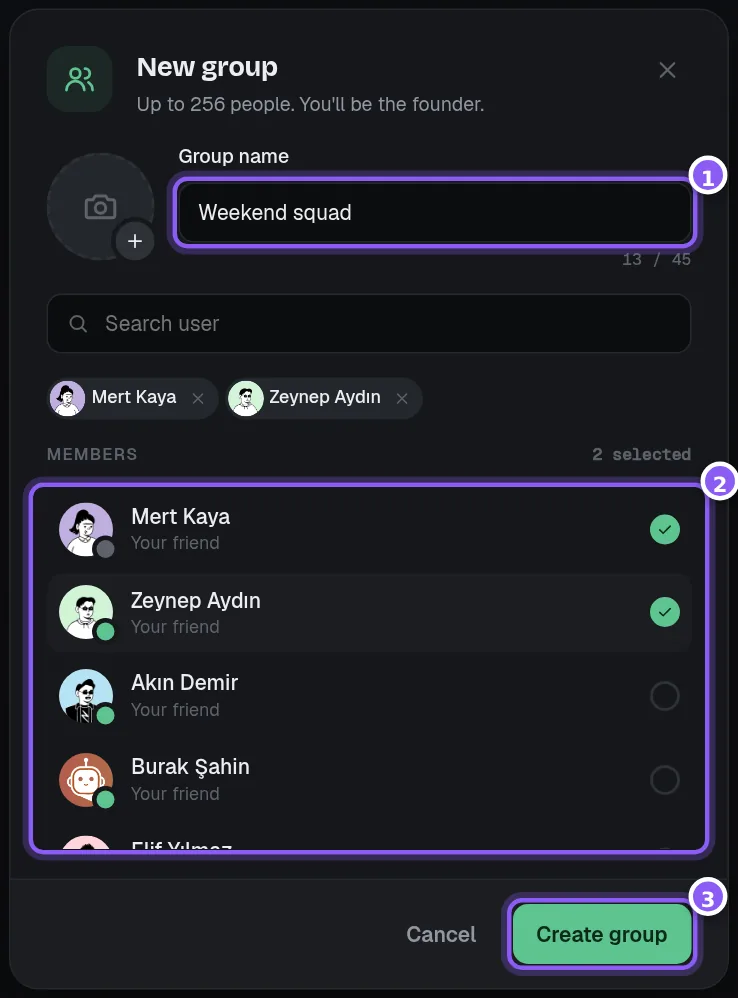
Name it, pick people, press Create group
Optionally add a photo, and type a name in the Group name field (up to 45 characters). Type a name or username in the Search user box and pick people; your friends are tagged "Your friend", everyone else "User". Pick at least one person and press Create group.
Group info and settings
Click the group name at the top of the group chat. In the window that opens you can:
- Change the Group name, Group description and group photo (PNG, JPG or WEBP).
- Add new people with Add members.
- From a member's menu: Make admin, Dismiss as admin or Remove from group.
- Under Group settings, three switches only the owner and admins can change: Only admins can send messages, Only admins can edit group info and Only admins can add members.
Leaving a group
Press Leave group at the bottom of the group info. You can leave at any time. If the owner leaves, ownership passes to the longest-serving admin. When the last person leaves, the group is deleted.
Someone who has blocked you can't be added to a group; you then see "This person could not be added because they have blocked you." If you joined as a guest through an invite link, claim your account before creating a group.
Frequently asked questions
How many people can be in a group?
256 people.
Can I add someone who isn't my friend?
Yes. The search box finds other users as well as your friends.
Why can't I write in a group?
If it says "Only admins can send messages in this group.", the group is set up that way. Ask the owner or an admin.
Can I make a voice call in a group?
Yes. A call started with the call buttons at the top of the group chat rings every member.