
Where are Voxnup announcements and update news?
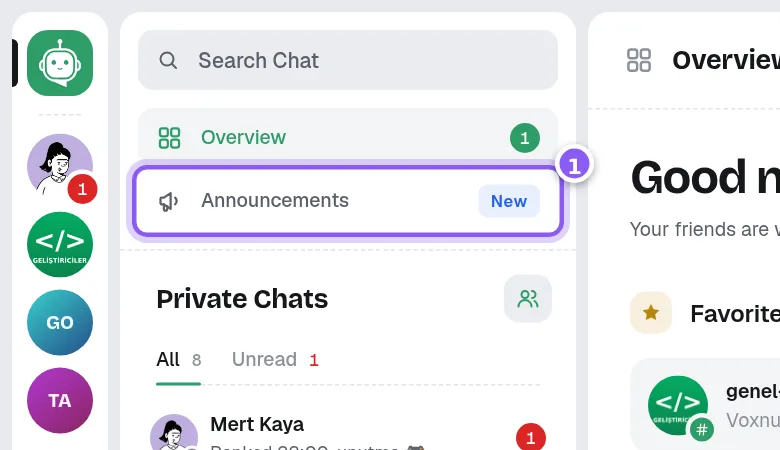
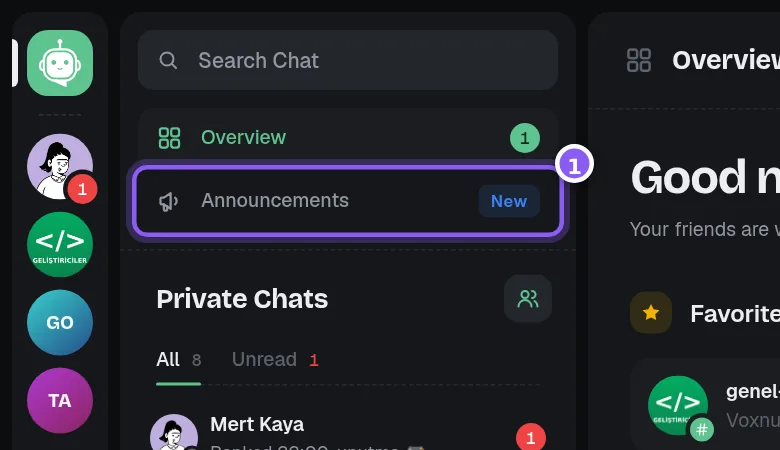
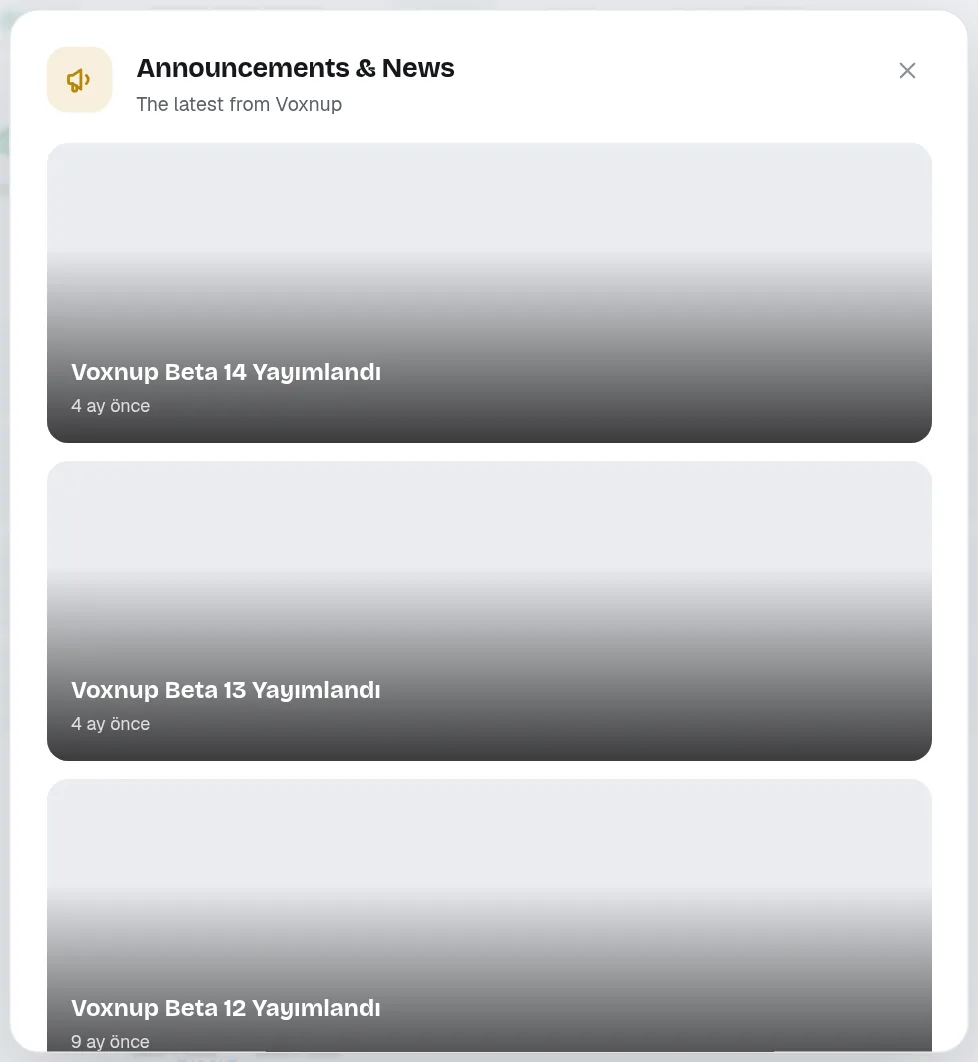
Announcements and release news from the Voxnup team are under the Announcements button in the left panel. It opens the Announcements & News window; each card opens the full post in a new tab. When there is an announcement you haven't seen on this device, a New label appears next to the button; it disappears once you open the window. Important announcements may also open the window once on their own. All posts are also published at voxnup.com/blog.
Opening announcements
Press the Announcements button
Press Announcements at the top of the left panel.
Click an announcement
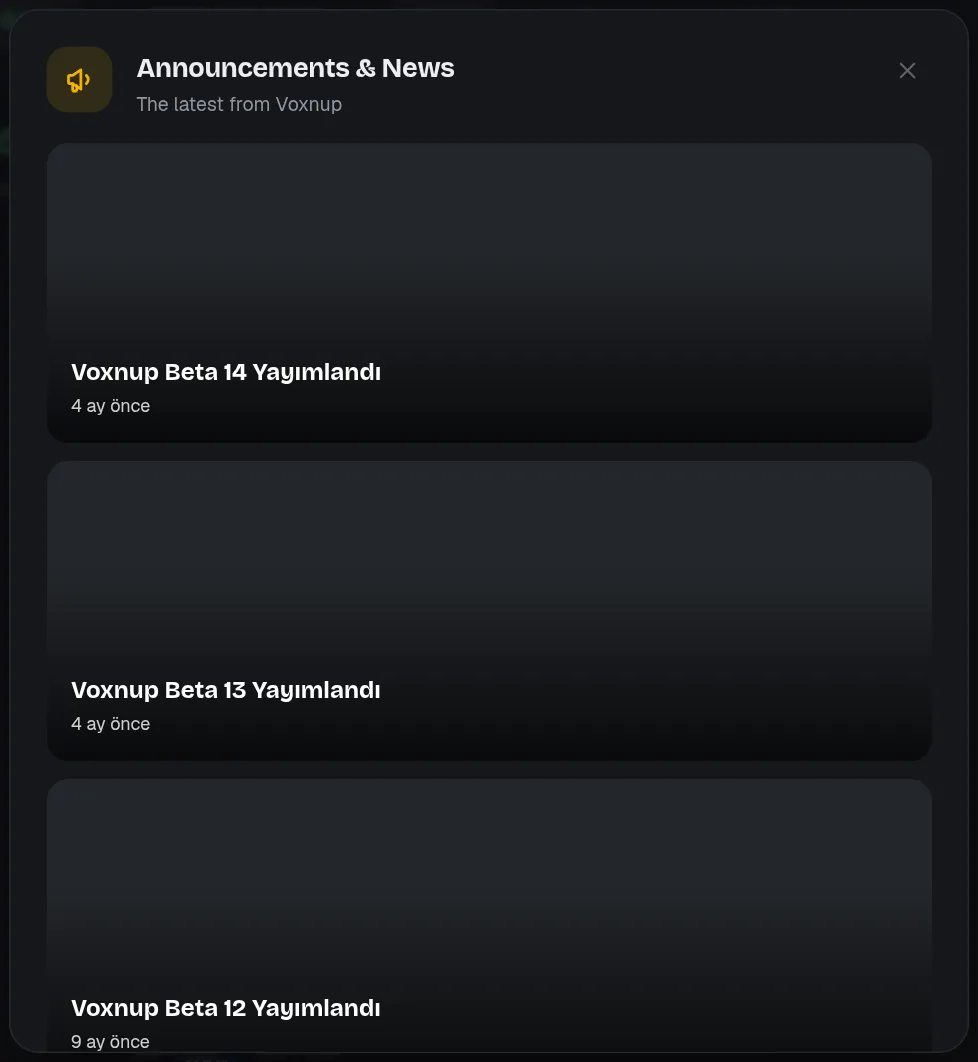
The newest announcement is at the top of the window. Clicking a card opens the post in a new tab.
Getting announcements by email
To also receive announcements by email, turn on Settings → Notifications → Announcement and Update Emails. See Notification settings.
Frequently asked questions
Why doesn't the "New" label go away?
The label disappears when you open the Announcements window on this device. It can show up again in another browser or on another device.
The window says "No announcements yet."
There are no published announcements, or the page was opened before they were published; reload the page.