
How do I send a direct message (DM)?
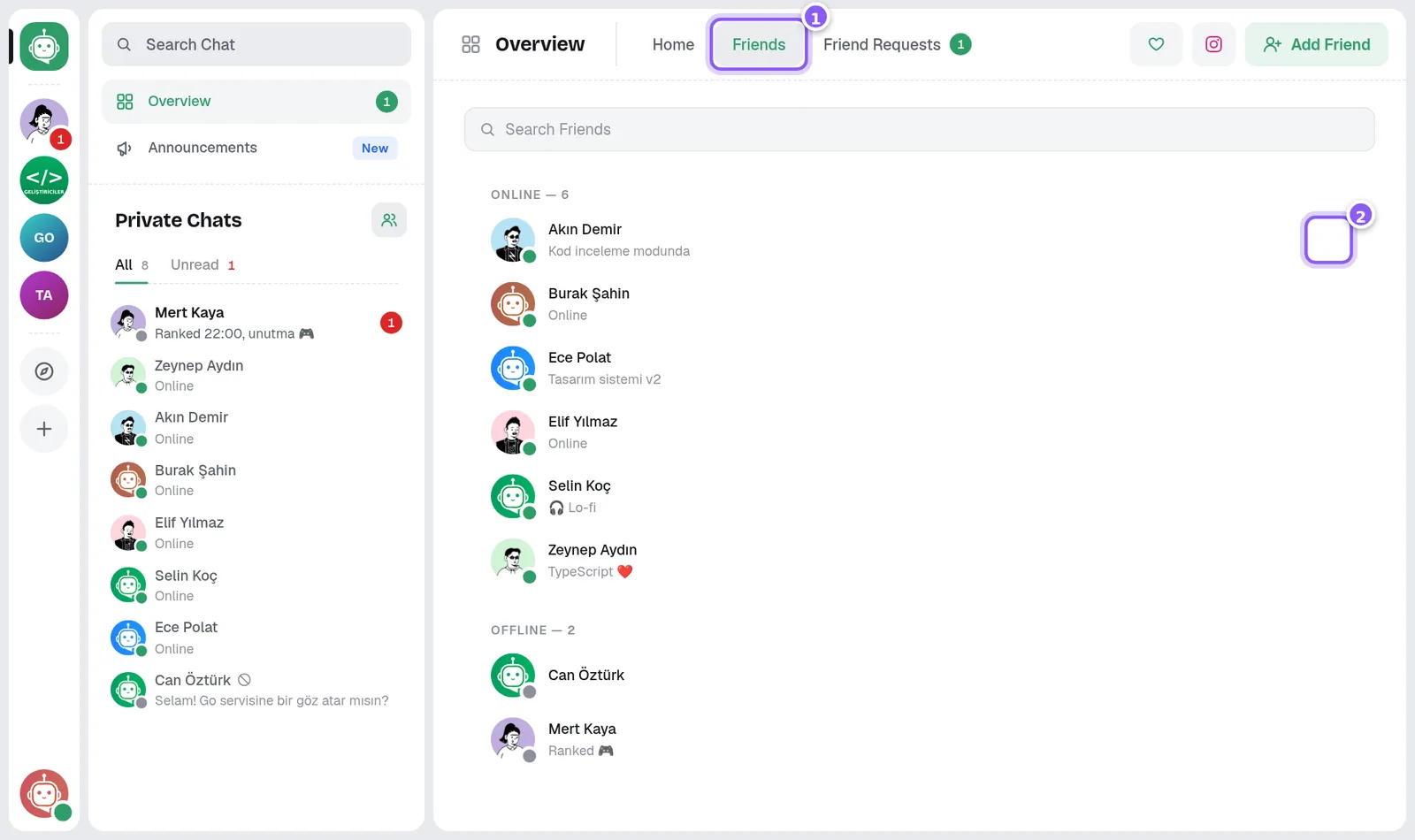
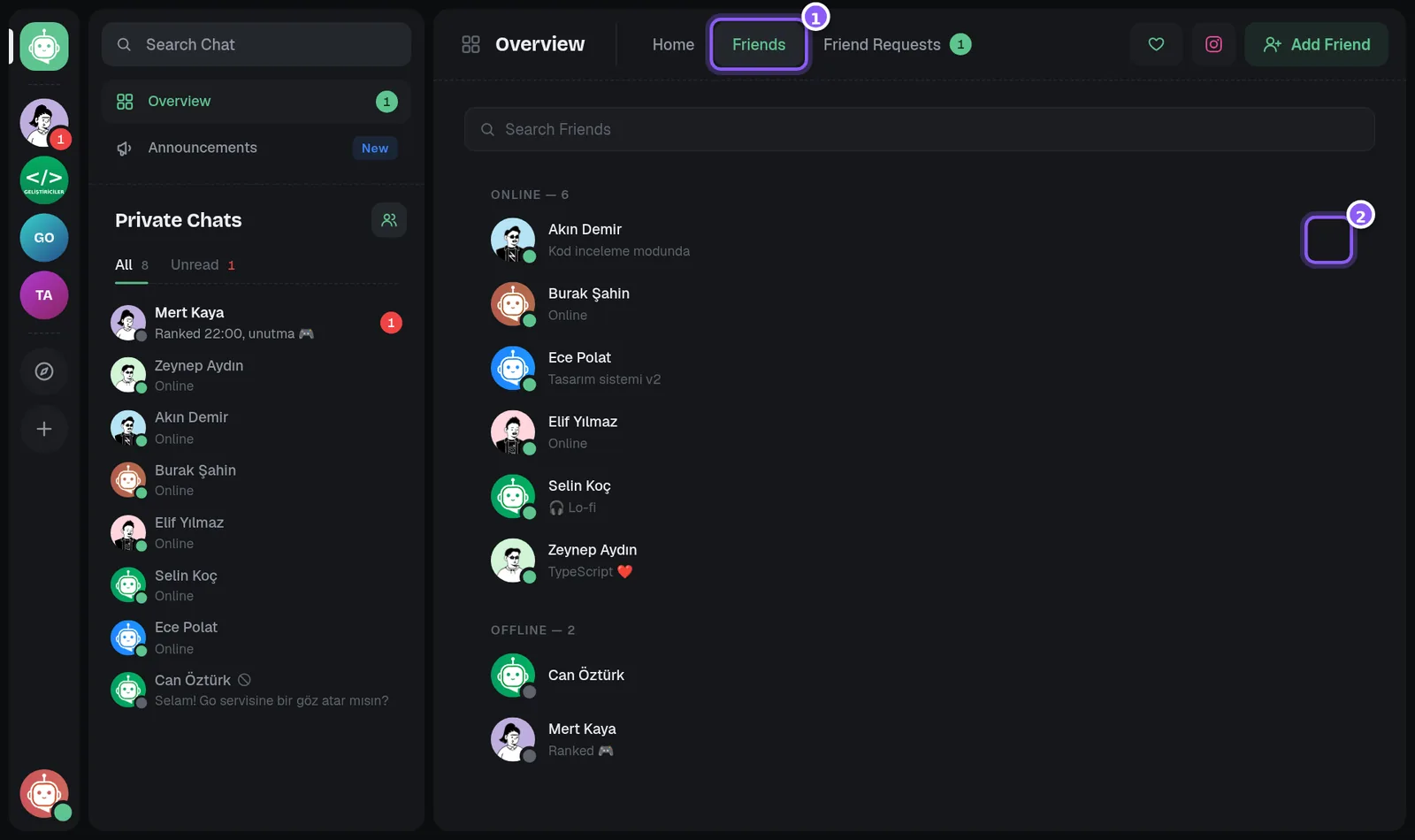
To DM a friend, go to Overview → Friends and press the Send Message button next to their name, or right-click them and choose Send Message. To write to someone who isn't your friend, click their name and use the message box on their profile card. Type your message and press Enter; use Shift+Enter for a new line. Your DMs are listed under Private Chats in the left panel.
Messaging a friend
Press the message button in the Friends tab
Open Overview with the Voxnup logo in the left rail, switch to the Friends tab and press the Send Message button on the person's row. Use the Search Friends box to find someone in the list.
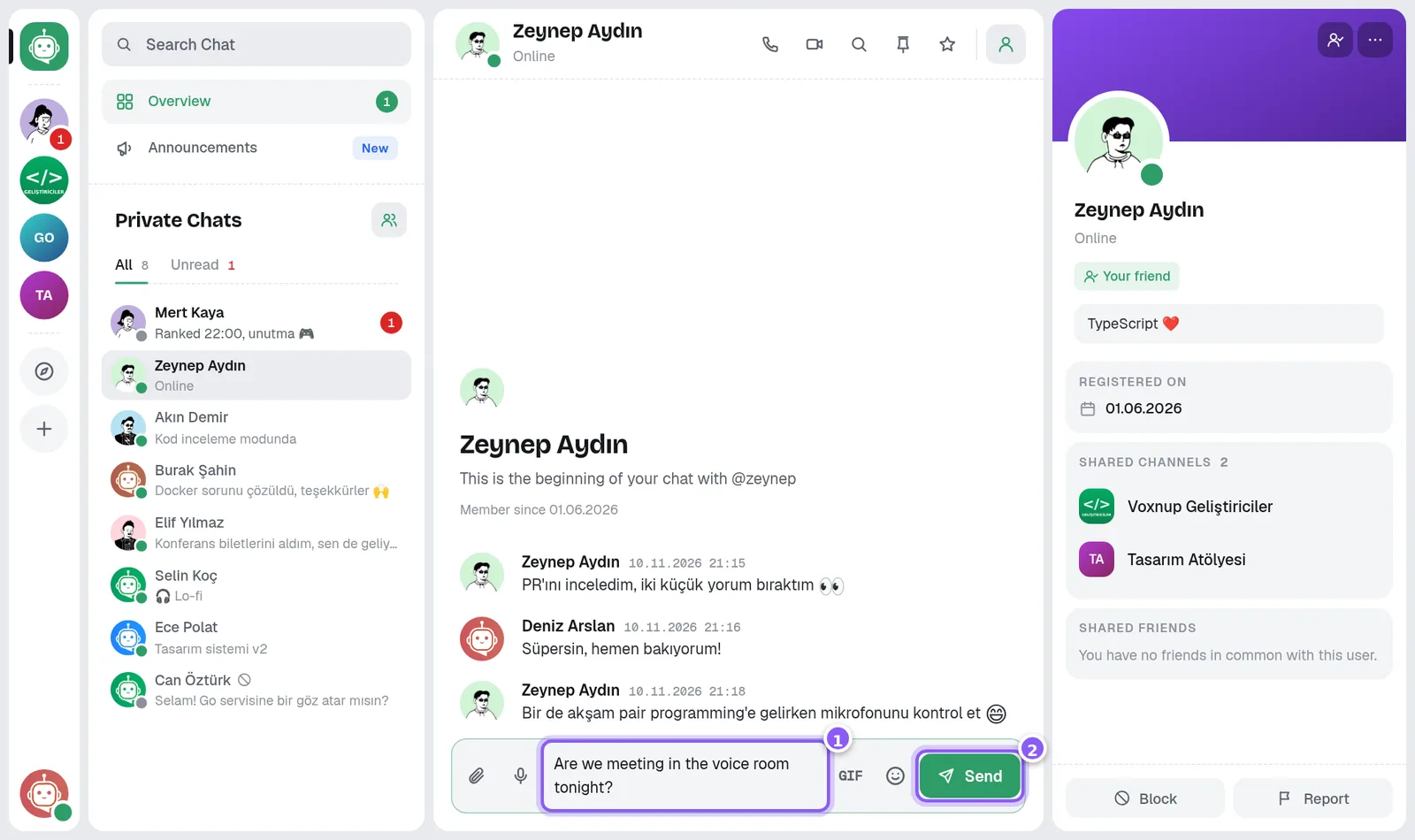
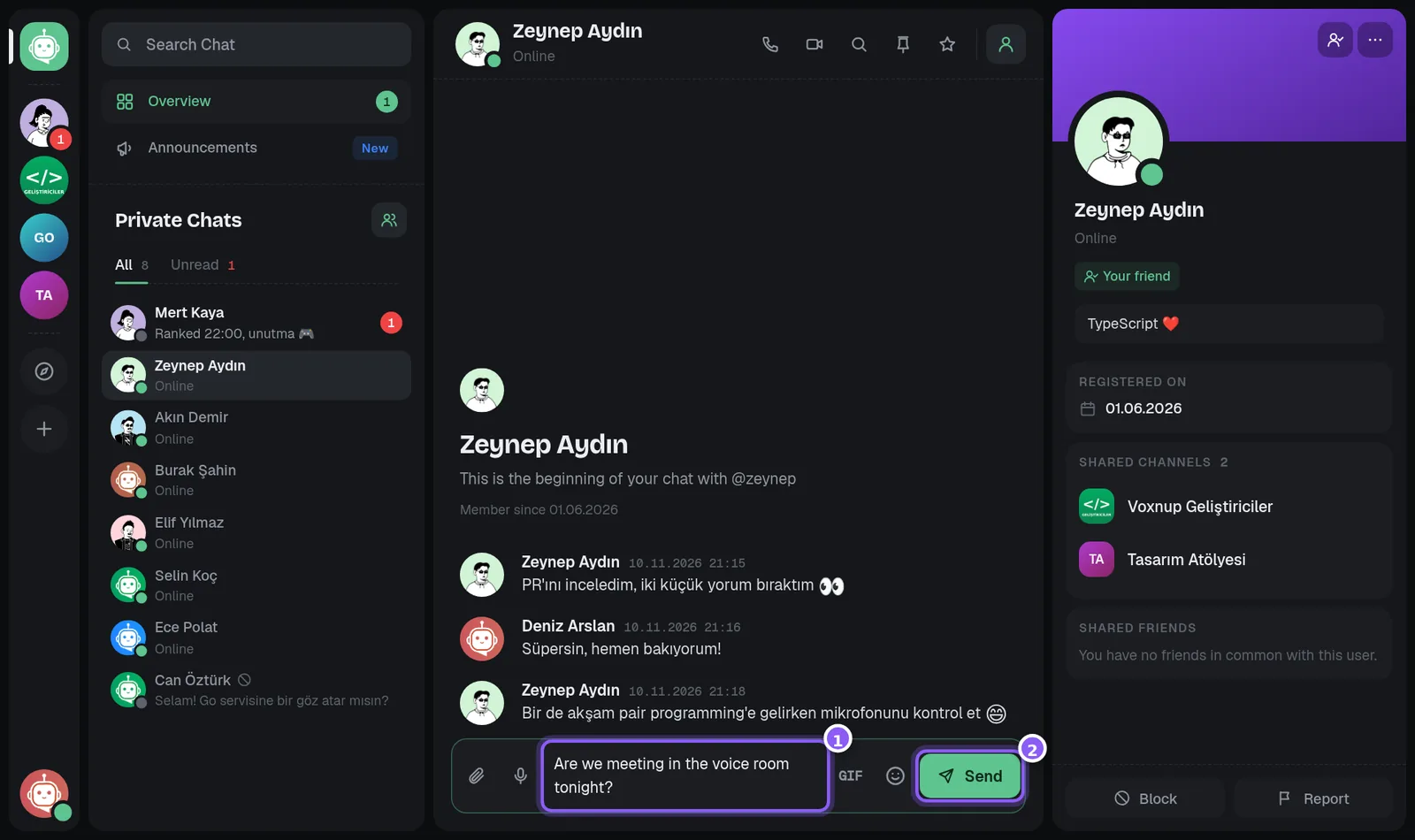
Write your message and send it
Type in the Write a message... box at the bottom and press Enter or the send button. Use Shift+Enter to start a new line.
Writing to someone who isn't your friend
Click the name of someone you see in a channel or group. If you type in the message box on the profile card that opens and send it, a direct message starts between you. You can write to anyone except people who have blocked you or whom you have blocked.
Finding your chats
- Your direct messages and groups are in the Private Chats list in the left panel.
- The Unread filter shows only the chats you haven't read.
- With Search Chat or Ctrl+K you can jump to any chat by typing its name. See Quick switcher.
With the buttons at the top of the chat you can start a voice or video call with the same person, or add the chat to your favorites.
Frequently asked questions
I can't send messages; there is a notice instead of the message box.
If it says "You have blocked this user. To continue the conversation, unblock them.", you blocked the person; use the unblock them. link in the notice to unblock them. If the other person blocked you, you can't message them.
Is there a message length limit?
There is no specific character limit for the text of a single message. For attachments the limit is 10 MB per file and 10 files per message.
Are direct messages encrypted?
Messages are stored encrypted on Voxnup's servers.