
How do I pin a message, and where are pinned messages?
In short
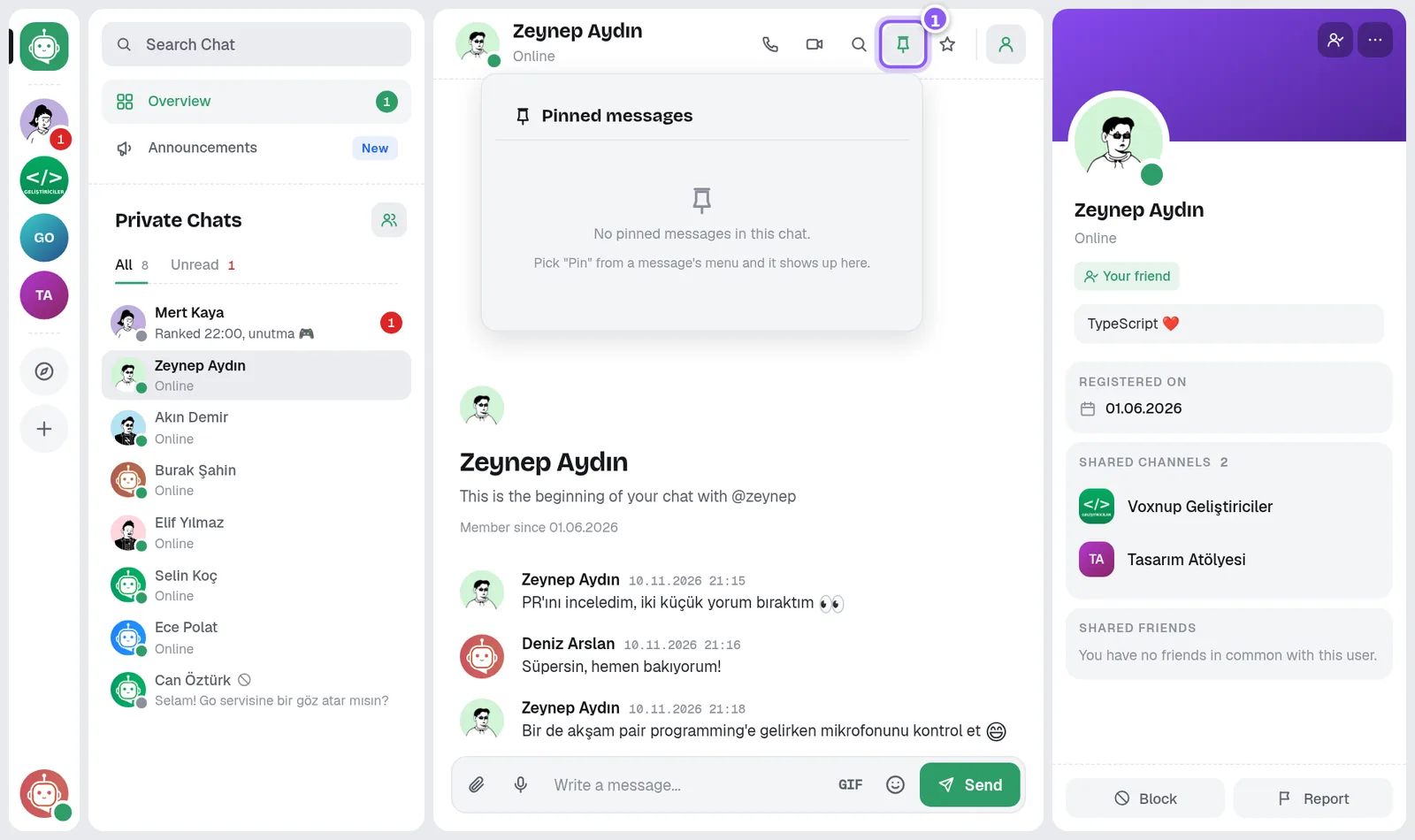
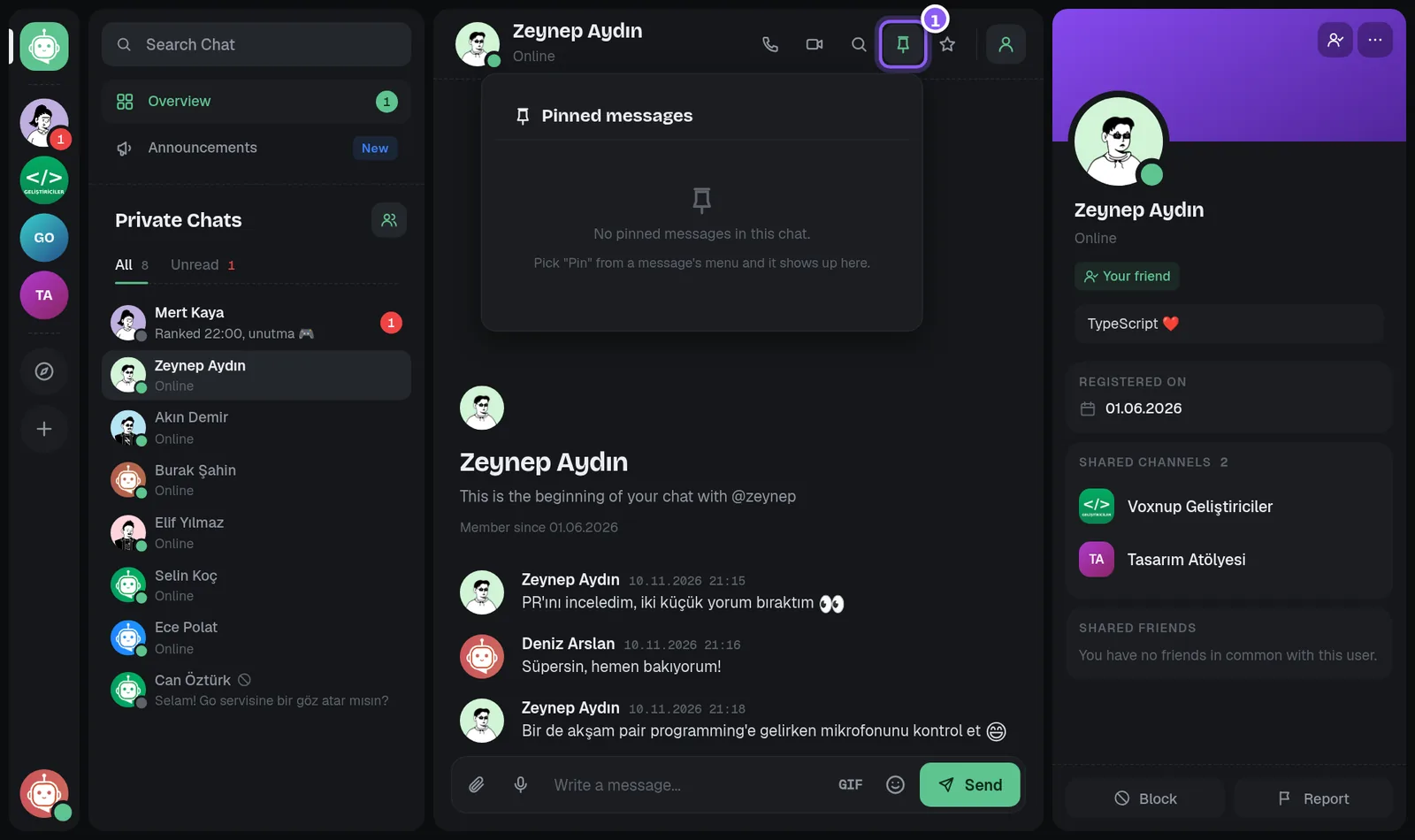
To pin a message, choose Pin Message from the message's ⋯ menu (or right-click it); everyone in the room can see pinned messages. To see them, press the pin button at the top of the chat: the Pinned messages panel opens. There is no limit on the number of pinned messages.
Pinning and viewing pinned messages
Pin the message
Hover over the message, press the ⋯ button and choose Pin Message. A "Message pinned successfully." notification appears.
Open the list with the pin button
The pin button at the top of the chat opens the Pinned messages panel. Each message shows who pinned it. Clicking a message jumps to it in the chat; Unpin removes it from the list.
Who can pin?
- In direct messages and groups, everyone in the chat.
- In channel rooms, everyone can pin their own messages. Pinning or unpinning someone else's message needs the Pin Messages permission in that room.
Frequently asked questions
The panel says "No pinned messages in this chat."
Nothing has been pinned in this chat yet. Pick Pin Message from a message's menu and it shows up here.
How many messages can I pin?
There is no limit.
Related guides
Still stuck? Email support@voxnup.com. Tell us which device and browser you use and include the exact error text you see, and we'll get back to you quickly.