
How do I accept or decline a friend request?
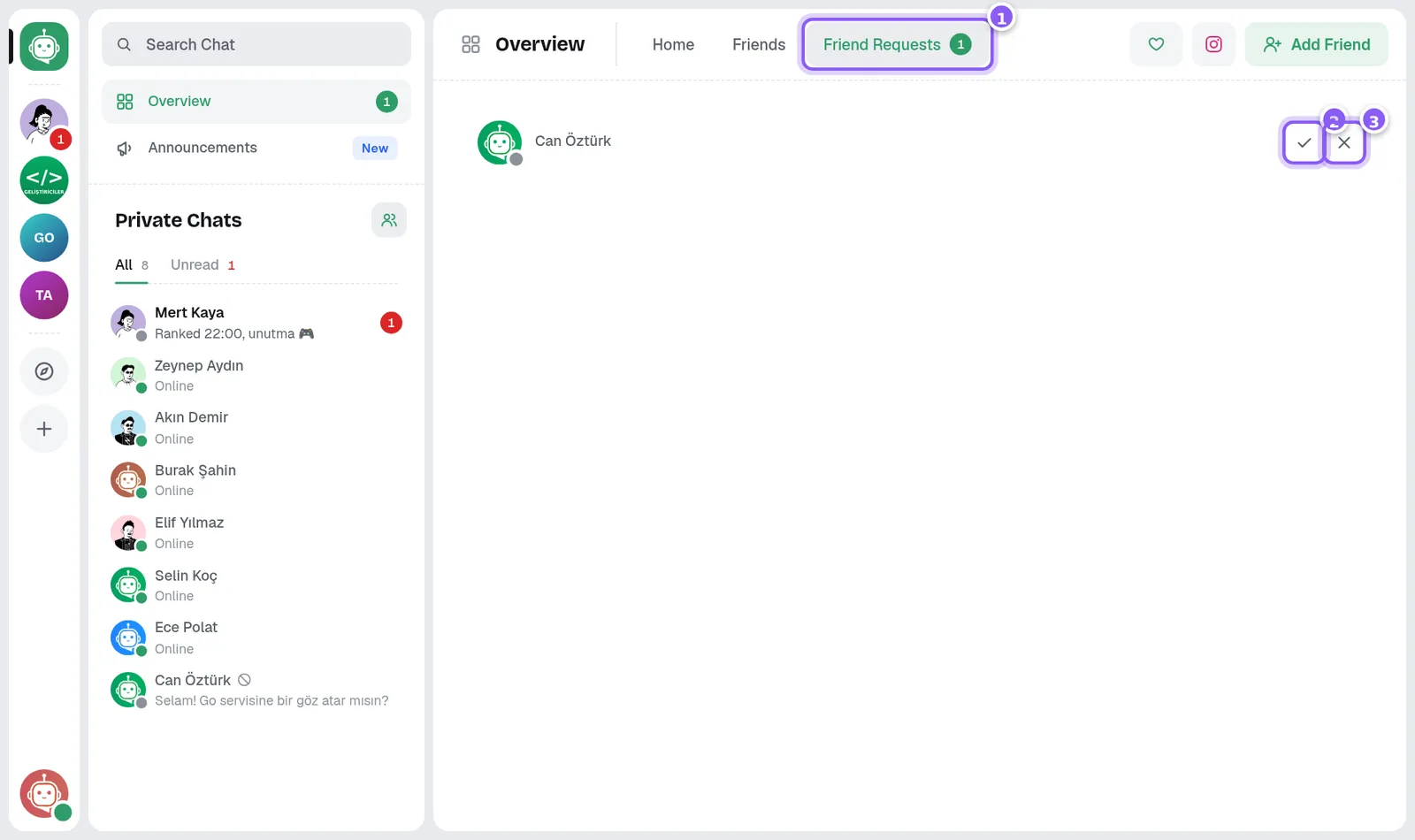
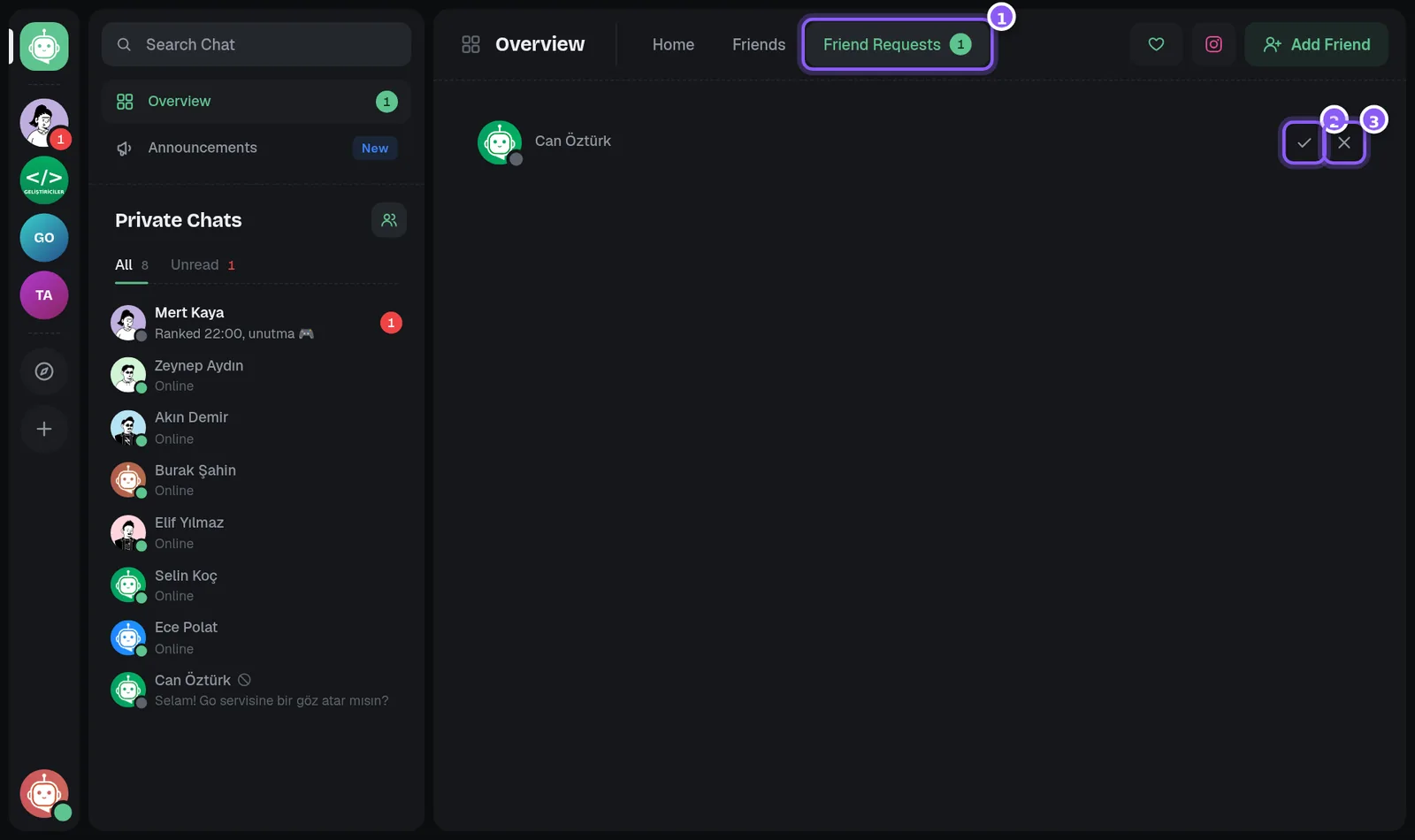
Friend requests you receive are in the Friend Requests tab of the Overview screen; the number on the tab is how many are waiting. Accept makes you friends, Decline removes the request. To remove someone from your friends, right-click them and choose Remove Friend.
Answering a request
Open the Friend Requests tab
Click the Voxnup logo in the left rail to open Overview and switch to the Friend Requests tab.
Press Accept or Decline
Each request has two buttons on its right: a check mark (Accept) and a cross (Decline). Accept adds the person to your Friends tab and opens a direct message between you. Decline removes the request.
Removing a friend
Right-click the person and choose Remove Friend. You are asked to confirm: "Are you sure you want to remove this person from your friends?"
Requests you sent don't appear in a separate list. To withdraw a pending request, right-click the person and choose Withdraw Request.
Frequently asked questions
What do I see if I have no requests?
The tab says "You don't have any friend requests yet. Click the "ADD FRIEND" button to add a friend."
Can I stop someone from sending me requests?
Yes. If you block them, they can't send you requests. See Blocking a user.