
How do I add a friend on Voxnup?
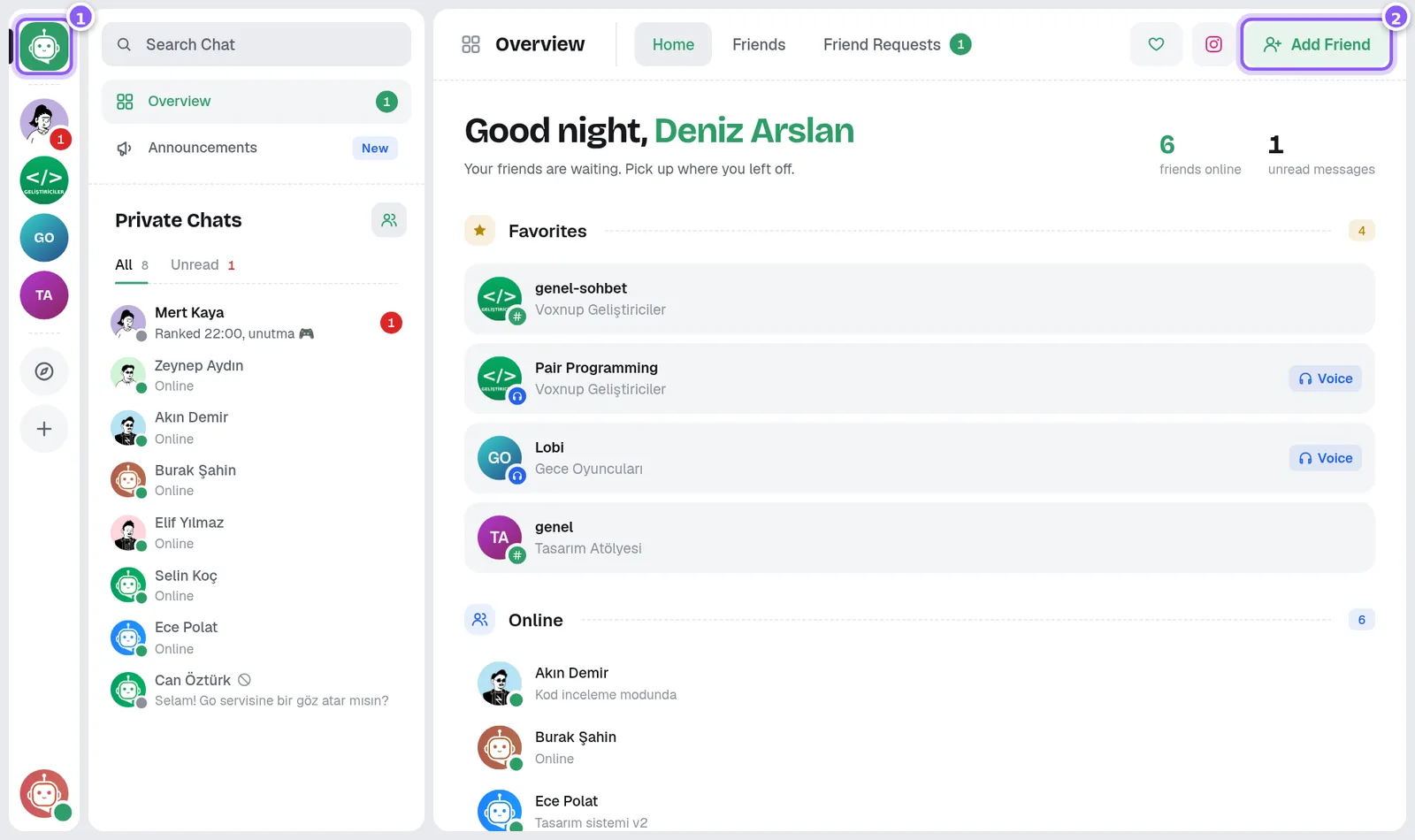
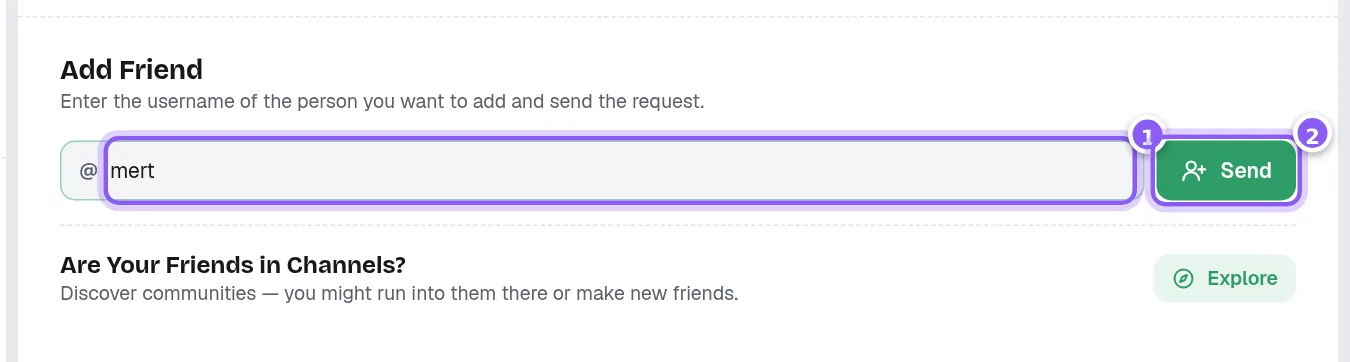
To add a friend, click the Voxnup logo at the top of the left rail to open Overview, press Add Friend, type the person's username and click Send. The request appears in their Friend Requests tab, and you become friends once they accept. Usernames are not case-sensitive, but they must be typed in full: Voxnup has no tag number like #1234.
Sending a friend request
Open Overview and press Add Friend
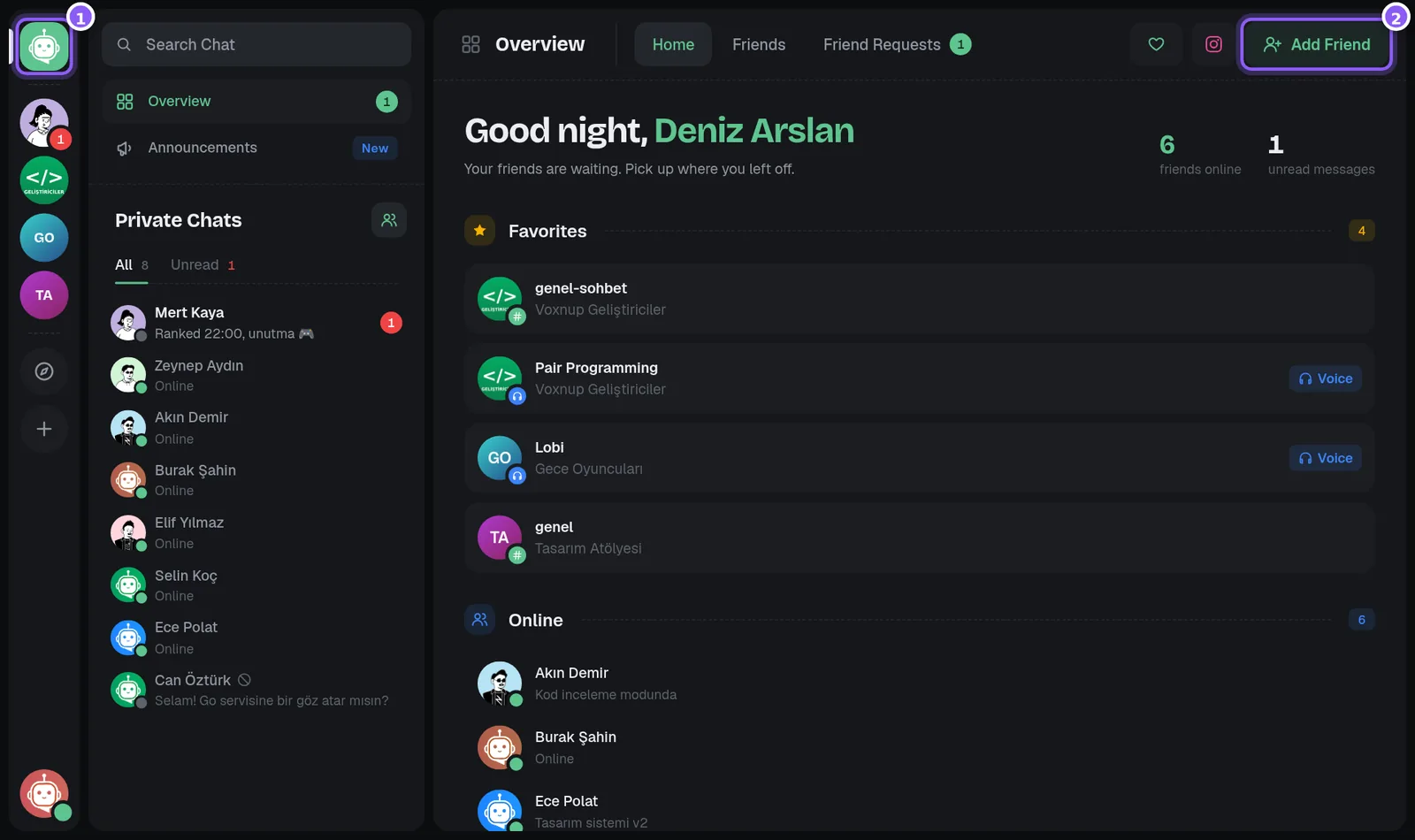
Click the Voxnup logo at the top of the left rail (Overview). Press the Add Friend button at the top.
Type the username and press Send
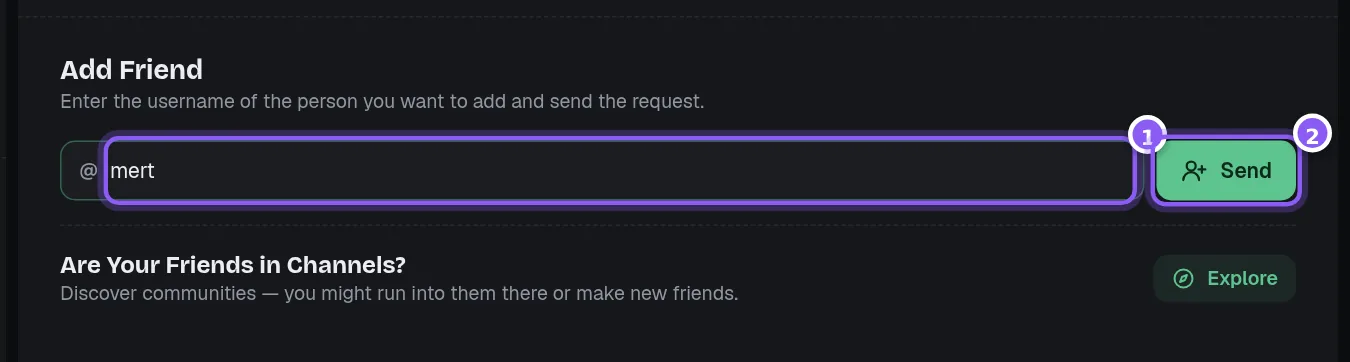
Type the username of the person you want to add (you don't need the leading @) and press Send or Enter.
Wait for them to accept
The request shows up in the other person's Friend Requests tab. Once they accept, they are added to your Friends list.
Where do I find someone's username?
The username is the @username part under the display name on a profile card. Your friend can see their own username by clicking their avatar at the bottom left. If you share a channel with someone, you can also right-click them and choose Copy Username. Usernames are 3–32 characters long and contain only letters, numbers, dots and underscores.
Messages you may see
- User not found. The username is misspelled or the account doesn't exist. Check the letters and dots.
- This person is already your friend! They are already on your list.
- Invite already sent. You already have a pending request; wait for them to accept.
- You can't send a friend request to this user. One of you has blocked the other.
- You cannot send a friend request to yourself. You typed your own username.
- You cannot perform this action without claiming your account. You joined as a guest through an invite link. Claim your account with an email and password first.
Frequently asked questions
Does Voxnup have friend codes or #tags?
No. You add friends by username only; there is no tag number like #1234.
Are usernames case-sensitive?
No. Zeynep and zeynep find the same account.
Can I withdraw a request I sent?
Yes. Right-click the person (for example in the member list of a channel you share) and choose Withdraw Request.
Can I message someone who isn't my friend?
Yes. You can write from the message box on their profile card; only blocked people can't message each other. More: Direct messages.