
How do I send emoji, GIFs and stickers?
The emoji or GIF button on the right of the message box opens the Expression picker. It has three tabs: Emoji, GIF (powered by GIPHY) and Stickers. Emoji are inserted at the cursor; GIFs and stickers are sent as soon as you click them. Right-click an emoji to add it to your favorites, and Shift+click to insert several in a row. Typing :name: in a message also turns into an emoji.
Using the expression picker
Press the emoji button
Press the emoji button on the right of the message box. The GIF button opens the GIF tab directly.
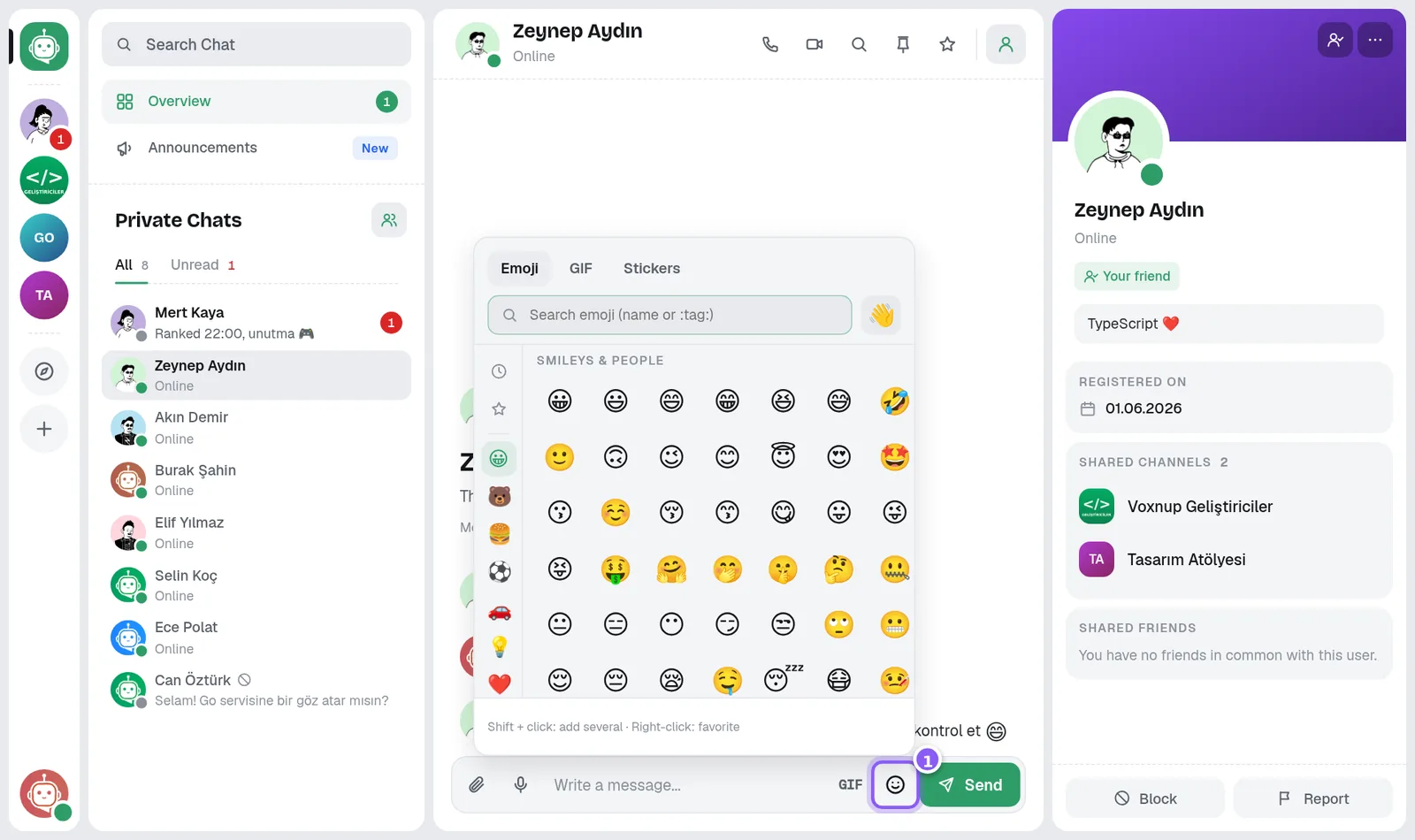
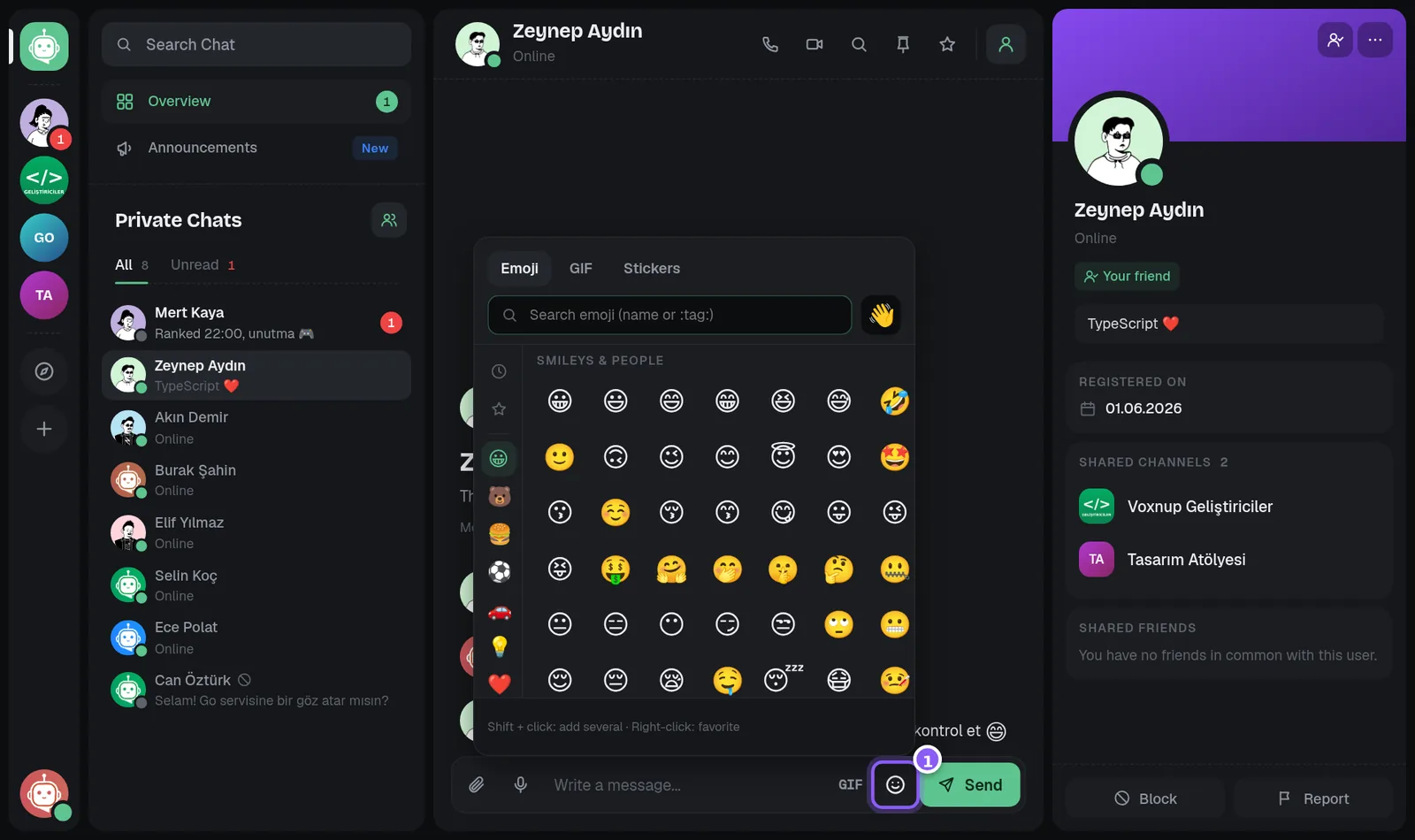
Pick a tab and search
- Emoji: search by name or tag in the Search emoji (name or :tag:) box. Choose a skin tone with the Skin tone button. Recently used and Favorites are at the top. In a channel, Channel emojis are listed too.
- GIF: type in the Search GIPHY box or pick a ready-made topic such as Trending, Funny, Reactions or Gaming. Clicking a GIF sends it right away.
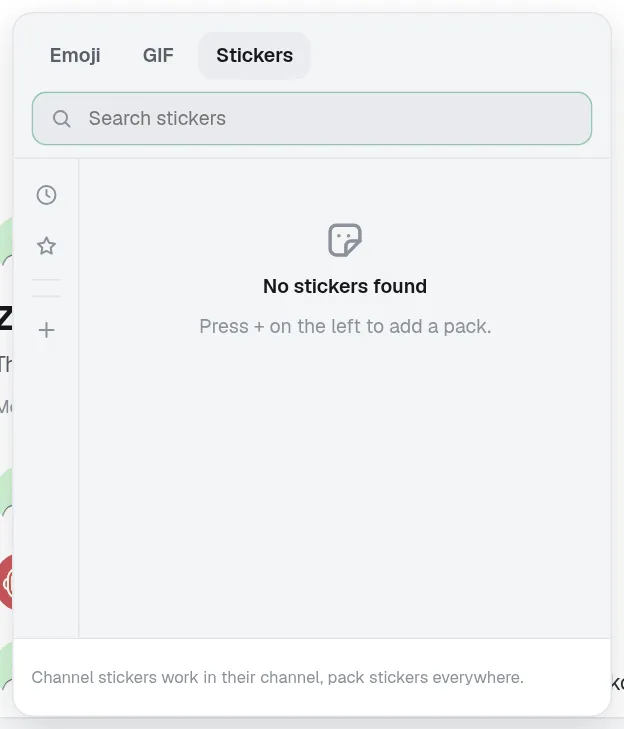
- Stickers: stickers from the packs you added and from the channel. Clicking one sends it right away.
Adding a sticker pack
On the Stickers tab, press the + button on the left; the Sticker packs list opens. Use Add next to a pack to add it and Remove to take it out. Packs you add work in every chat.
Channel emoji and stickers
Channels can have their own emoji and stickers. Using one channel's emoji in another channel needs the Use External Emojis permission there (Use External Stickers for stickers). Channel managers add emoji and stickers on the Emoji & Stickers tab of the channel settings.
In the expression picker, Enter inserts the selected emoji and Esc closes it. The same picker opens when you react to a message; the emoji you pick is added as a reaction.
Frequently asked questions
How many GIFs or stickers can one message have?
10.
GIFs aren't loading.
If you see "Couldn't load GIFs", check your internet connection and press Try again. GIFs come from GIPHY; if your network blocks GIPHY, they won't load.
Can I upload my own emoji?
There are no personal emoji uploads; emoji are added to channels. If you have the Create Expressions permission in a channel, you can add them from the channel settings.