
How do I leave or delete a channel?
To leave: choose Leave Channel from the channel menu (⋯, or right-click the channel on the left rail) and confirm. You need a new invite to come back. The channel founder can't leave their own channel. To delete: only the channel owner can delete a channel, from the channel menu or with Delete Channel in Edit Channel; they confirm by typing the channel name exactly. All rooms, messages, roles and media are deleted permanently, and this can't be undone.
Leaving a channel
Open the channel menu and choose Leave Channel
Click the ⋯ button next to the channel name or right-click the channel icon on the left rail.
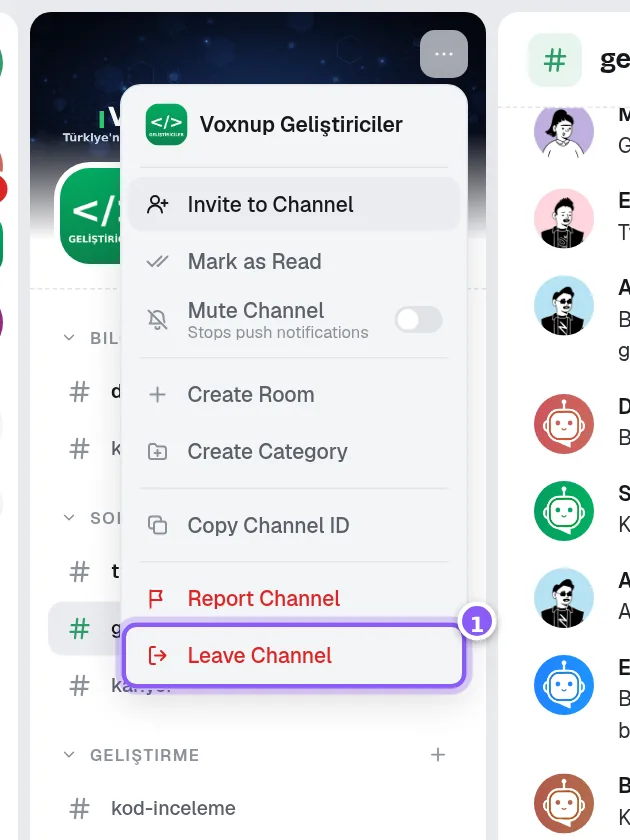
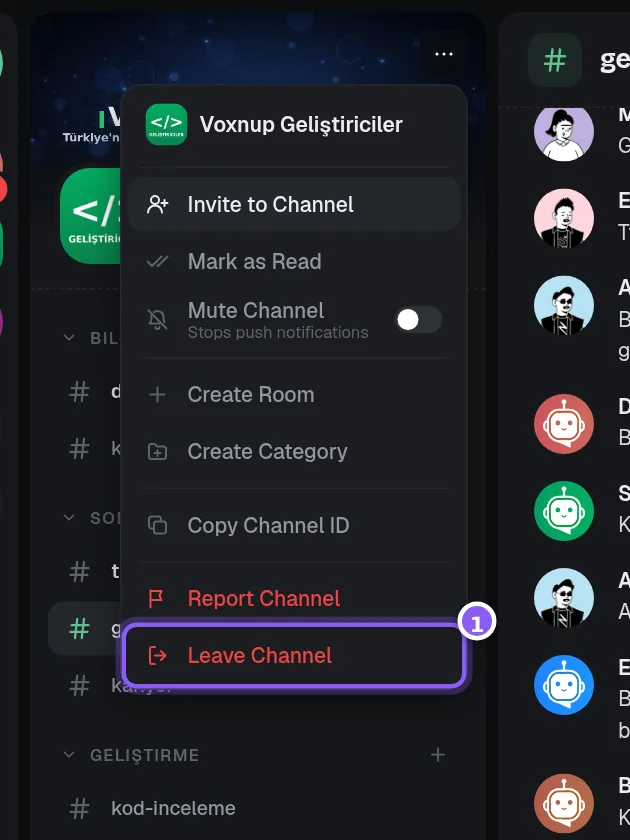
Confirm
Confirm the question "Are you sure you want to leave the … channel? You may not be able to rejoin unless you are invited again.". The channel disappears from your left rail.
The channel founder can't leave their own channel; the option is greyed out and shows "The owner can't leave the channel". Channel ownership can't be transferred. If you want to let go of the channel, you can delete it.
Deleting a channel (owner only)
Choose Delete Channel
Use Delete Channel in the channel menu or on the left side of the Edit Channel window.
Type the channel name to confirm
In the The channel will be deleted window, type the channel name exactly into the Type the channel's name to confirm: field. The delete button stays disabled until the name matches. Once you confirm, the channel is deleted permanently together with all its rooms, messages, roles and media.
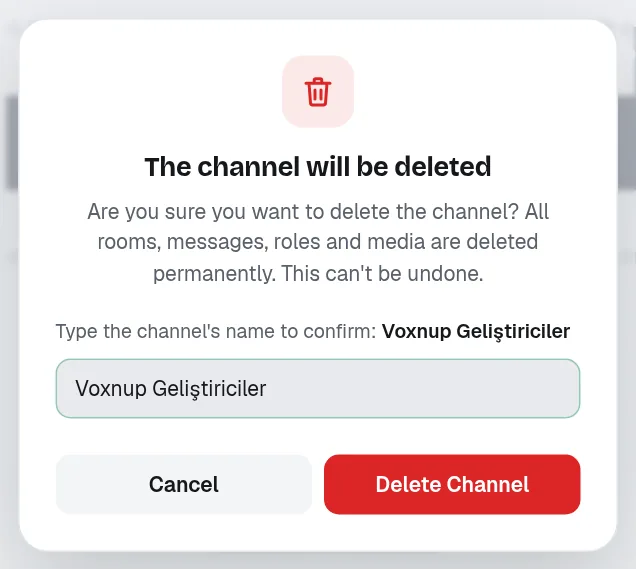
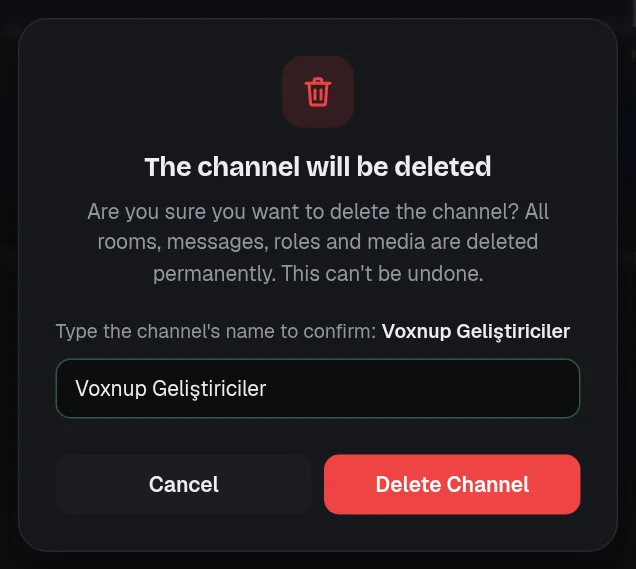
Deleting a channel can't be undone. A deleted channel's messages, rooms, roles, emoji and sounds can't be recovered.
Frequently asked questions
Are my messages deleted when I leave a channel?
No. Leaving only ends your membership; the messages you wrote stay in the channel.
Can I come back to a channel I left?
Yes, with a new invite link. If the channel is public and listed in Discover, you can also join from there. If you were banned, you can't come back until the ban is lifted.
Can a moderator or admin delete the channel?
No. Even members with the Administrator permission can't delete the channel; only the owner can.
Why can't the channel owner leave?
A channel must have an owner and ownership can't be transferred, so the founder can't leave. If they no longer want the channel, they can delete it.