
How do I join a channel with an invite link?
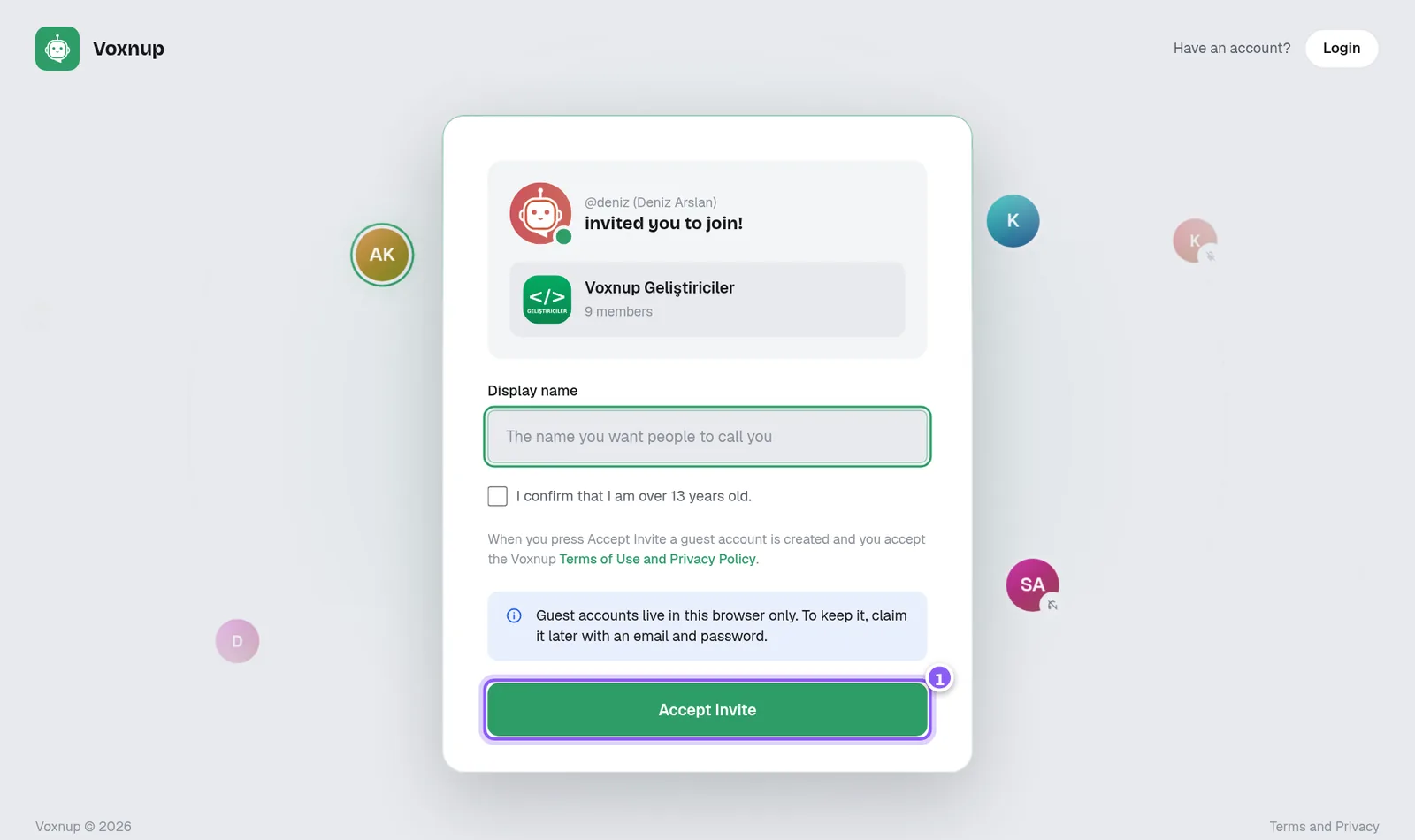
There are two ways. With the link: open the voxnup.com/invite/… link you received and click Accept Invite. In the app: click the + button on the left rail, choose Join Channel, paste the link or the 8-character code into the Invite Link or Code box, click Check and then Join Channel. If you have no Voxnup account, you can type a display name on the invite page and join as a guest.
Joining with an invite code in the app
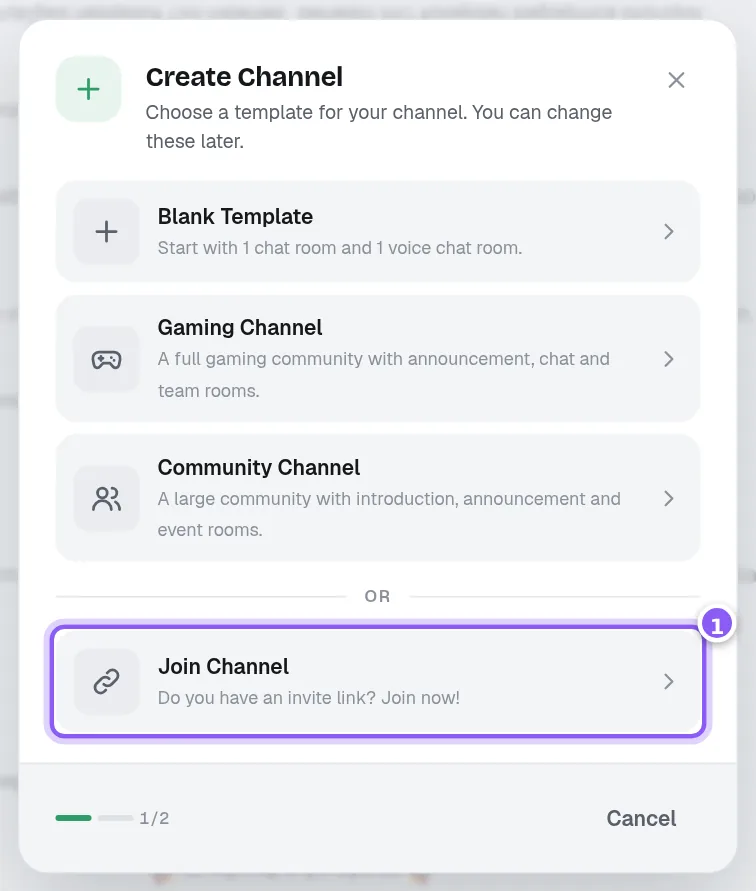
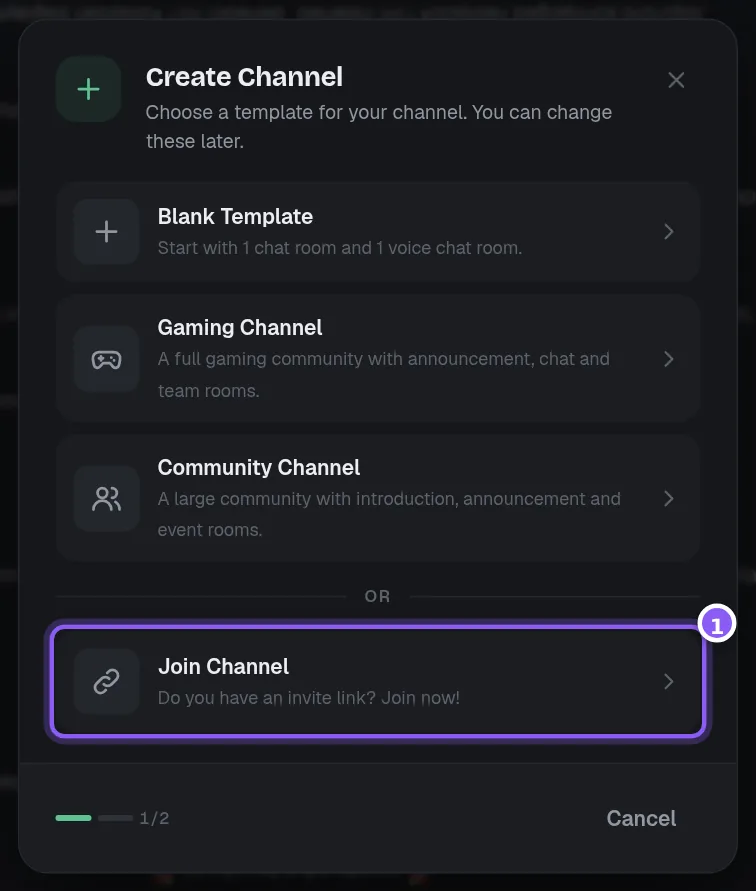
Click the + button on the left rail and choose Join Channel
Join Channel is at the bottom of the Create Channel window, below the OR divider.
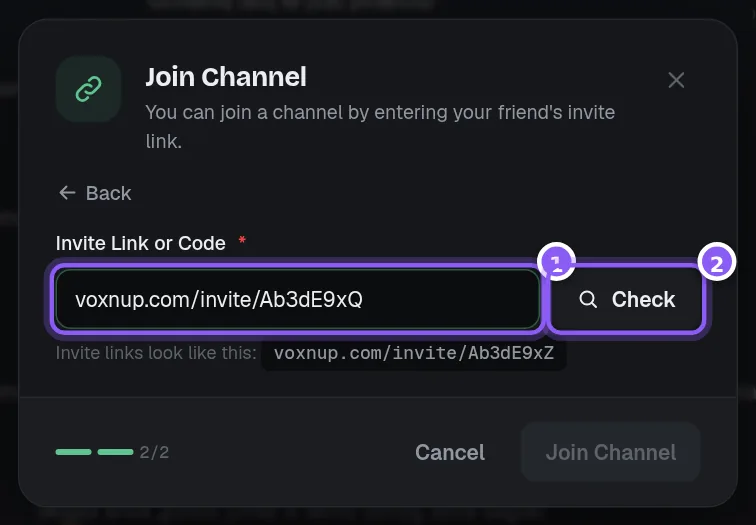
Paste the link or code and click Check
You can paste the full link (like
voxnup.com/invite/Ab3dE9xQ) or just the code into the Invite Link or Code box. After you click Check, the channel name and member count appear. If you are already a member, it says "You are already a member of this channel."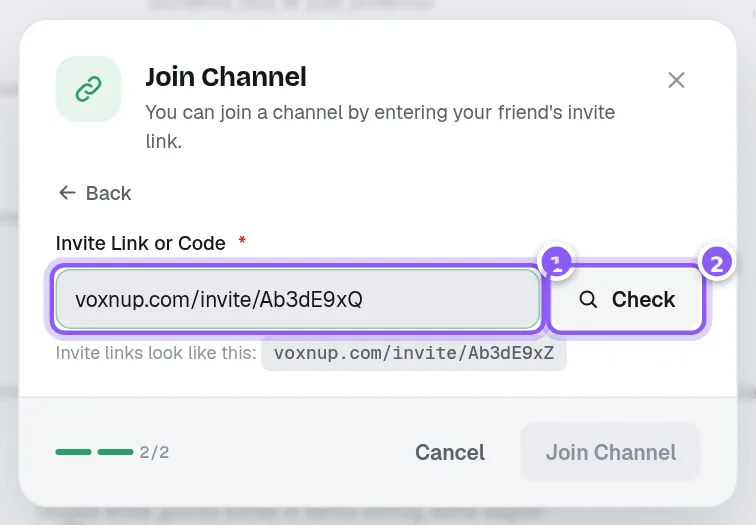
Click Join Channel
The channel is added to your left rail and opens right away.
Joining by opening the link in a browser
When you open an invite link in your browser, you see the channel card and the text "invited you to join!". Click Accept Invite.
- If you are signed in, you join the channel directly.
- If you have no account, type a Display name and tick I confirm that I am over 13 years old. to join as a guest. You can later turn your guest account into a permanent one with Claim Your Account by adding an email and password.
If you can't join
| What you see | Cause and fix |
|---|---|
| Sorry, this invite is no longer valid. | The link has expired, reached its usage limit or was revoked. Ask the person who invited you for a new link. |
| This invite has been revoked. | A channel admin or the person who created the link revoked the invite. Ask for a new link. |
| The invitation has expired. | The code you checked in the app has expired or reached its usage limit. Ask for a new link. |
| Invalid invite link. | The link or code was copied incorrectly. Copy the whole link again. |
| This channel is age-restricted; you can't join. | The channel is marked 18+. Users under 18 cannot join. |
| You cannot join because you are banned from this channel. | You have been banned from the channel. Banned users cannot join with an invite link either; only a channel admin can lift the ban. |
Frequently asked questions
Do I need an account to join with an invite?
No. On the invite page you can type a display name, confirm you are over 13 and join as a guest. To add friends and create groups you need to claim your account.
How long is an invite code?
Voxnup invite codes are 8 characters long and come after voxnup.com/invite/ in the link.
Why am I asked for my date of birth when joining an age-restricted channel?
If your account has no date of birth, you are asked for it once the first time you enter an age-restricted channel or room. It cannot be changed later.