
How do I create a channel on Voxnup?
On Voxnup, communities are called channels (like a server on Discord). To create one, click the + (Add Channel) button on the left rail, pick the Blank Template, Gaming Channel or Community Channel template, type a channel name and click Create Channel. The channel name must be 2 to 50 characters long. Channels are free and you become the founder.
Steps to create a channel
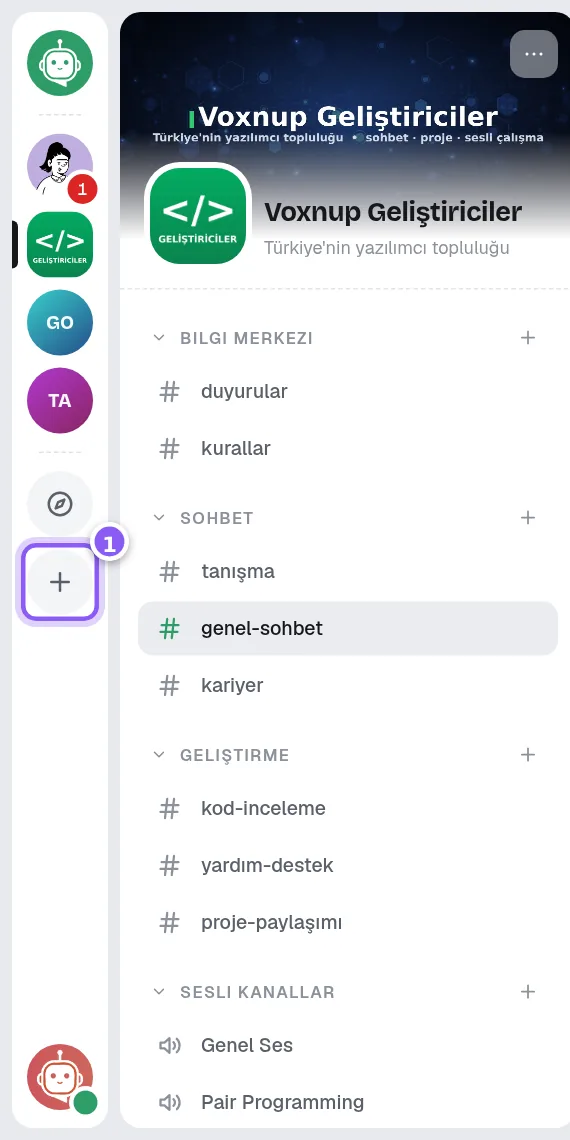
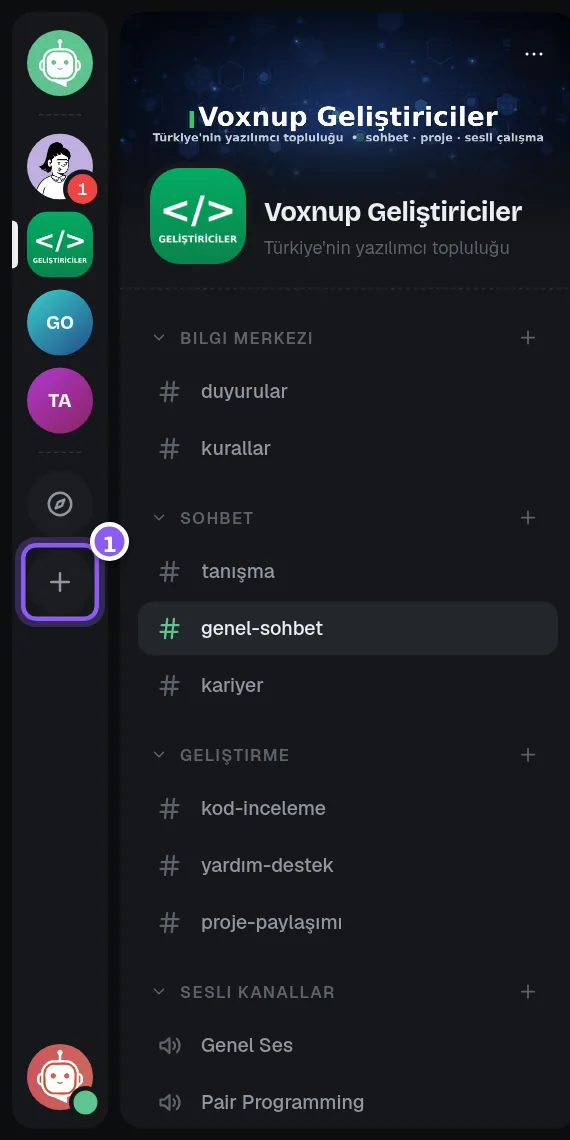
Click the + button on the left rail
The vertical strip on the far left of the screen (the rail) has a + button below your channels. Hovering over it shows Add Channel.
Pick a template
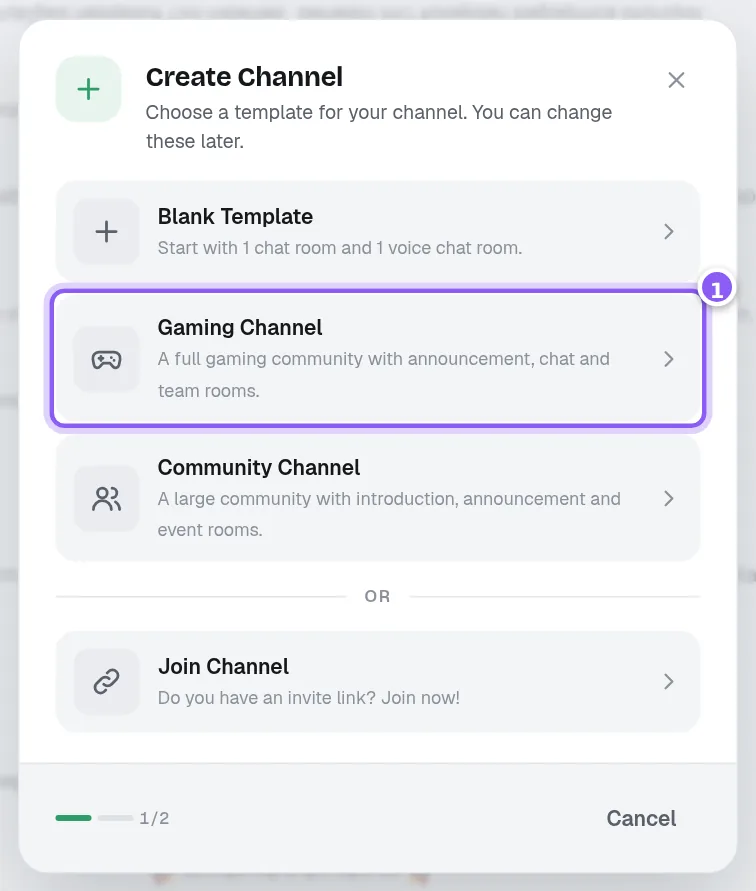
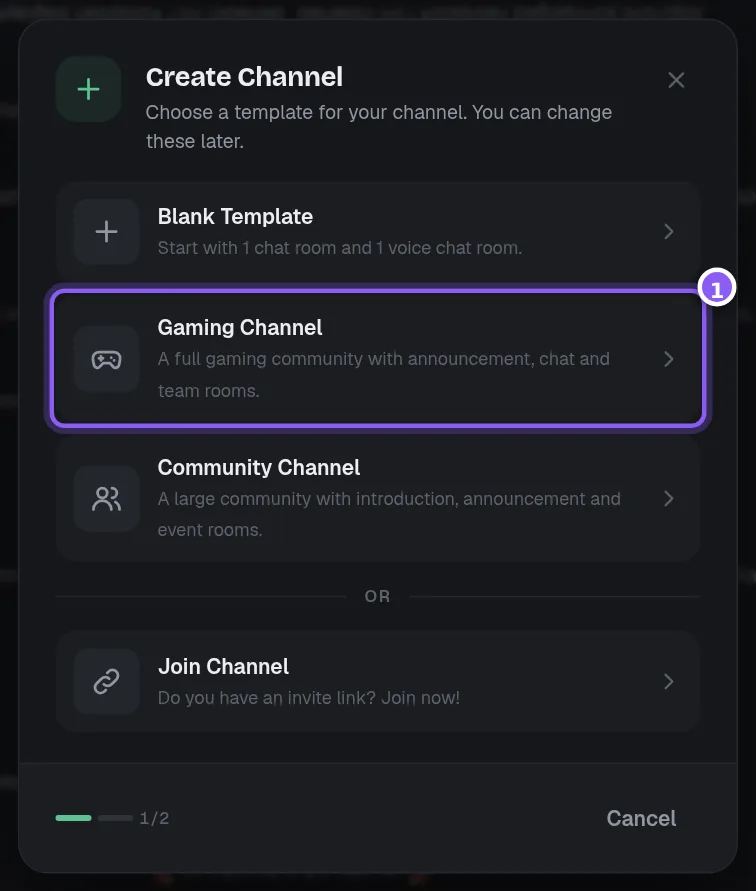
The Create Channel window offers three templates. A template only decides the starting rooms; you can change rooms and roles any time later.
- Blank Template: 1 chat room (Genel Sohbet) and 1 voice room (Genel Ses).
- Gaming Channel: the categories Bilgi Merkezi (Duyurular, Kurallar), Sohbet (Genel Sohbet, Oyun Sohbeti) and Ses Kanalları (Genel Ses, Takım 1, Takım 2), plus Moderatör and Oyuncu roles.
- Community Channel: the categories Bilgi Merkezi (Duyurular, Hakkımızda), Sohbet (Genel Sohbet, Tanışma, Etkinlikler) and Ses Kanalları (Genel Ses, Müzik), plus Moderatör and Üye roles.
The template rooms and roles are created with Turkish names; rename them as you like.
Give your channel a name, description and images
Channel Name is required and must be 2 to 50 characters long. Channel Description is optional (up to 300 characters). The fields at the top let you pick a cover image (1600×500) and a channel picture (512×512); you adjust the image with the crop tool.
The Public Channel switch is on by default. When it is on, the channel can be listed in Discover once it meets the Discover requirements and the Voxnup team approves it. If you turn it off, people can only join with an invite link. You can change this later in the channel settings.
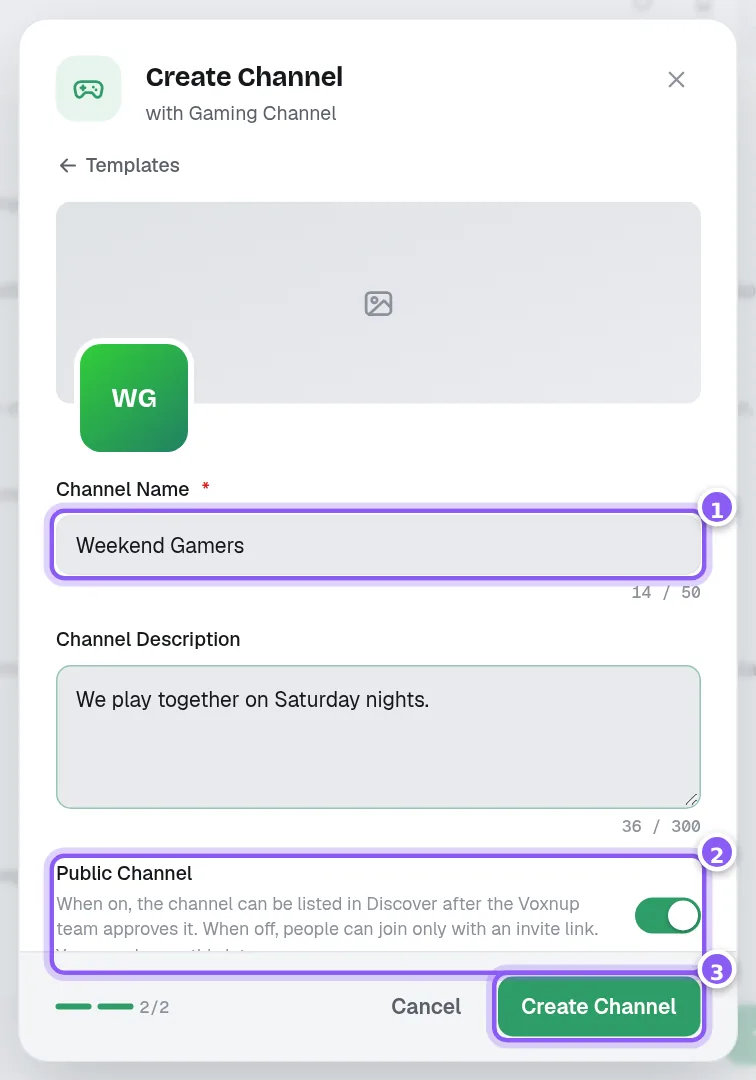
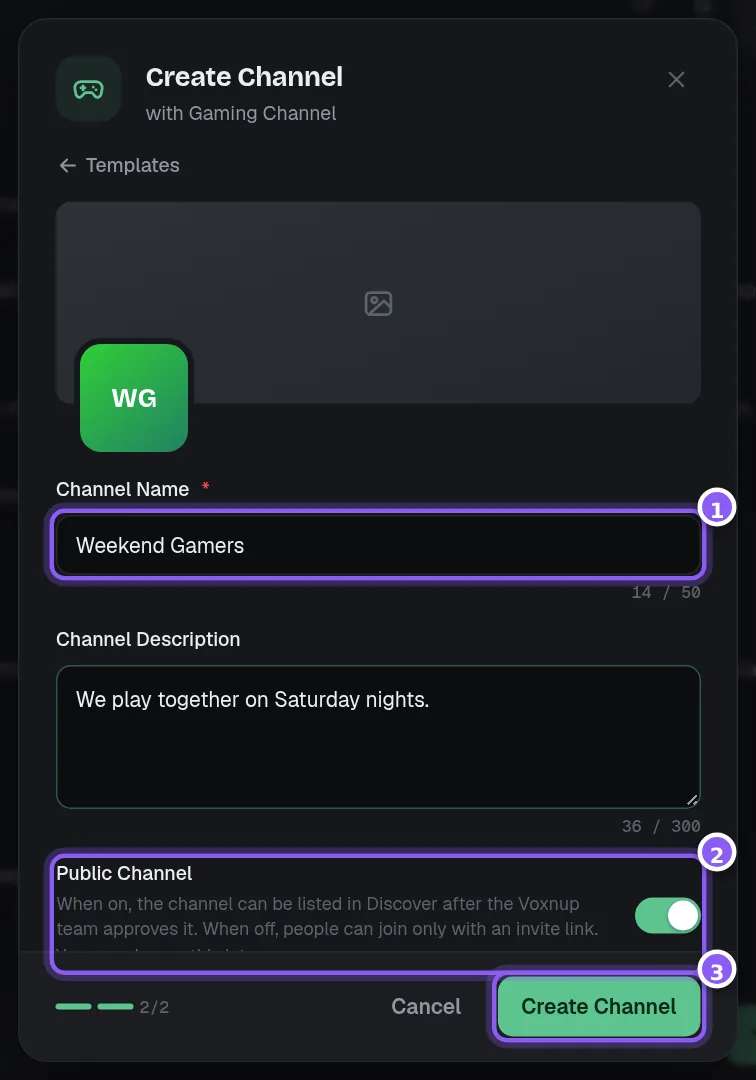
Click Create Channel
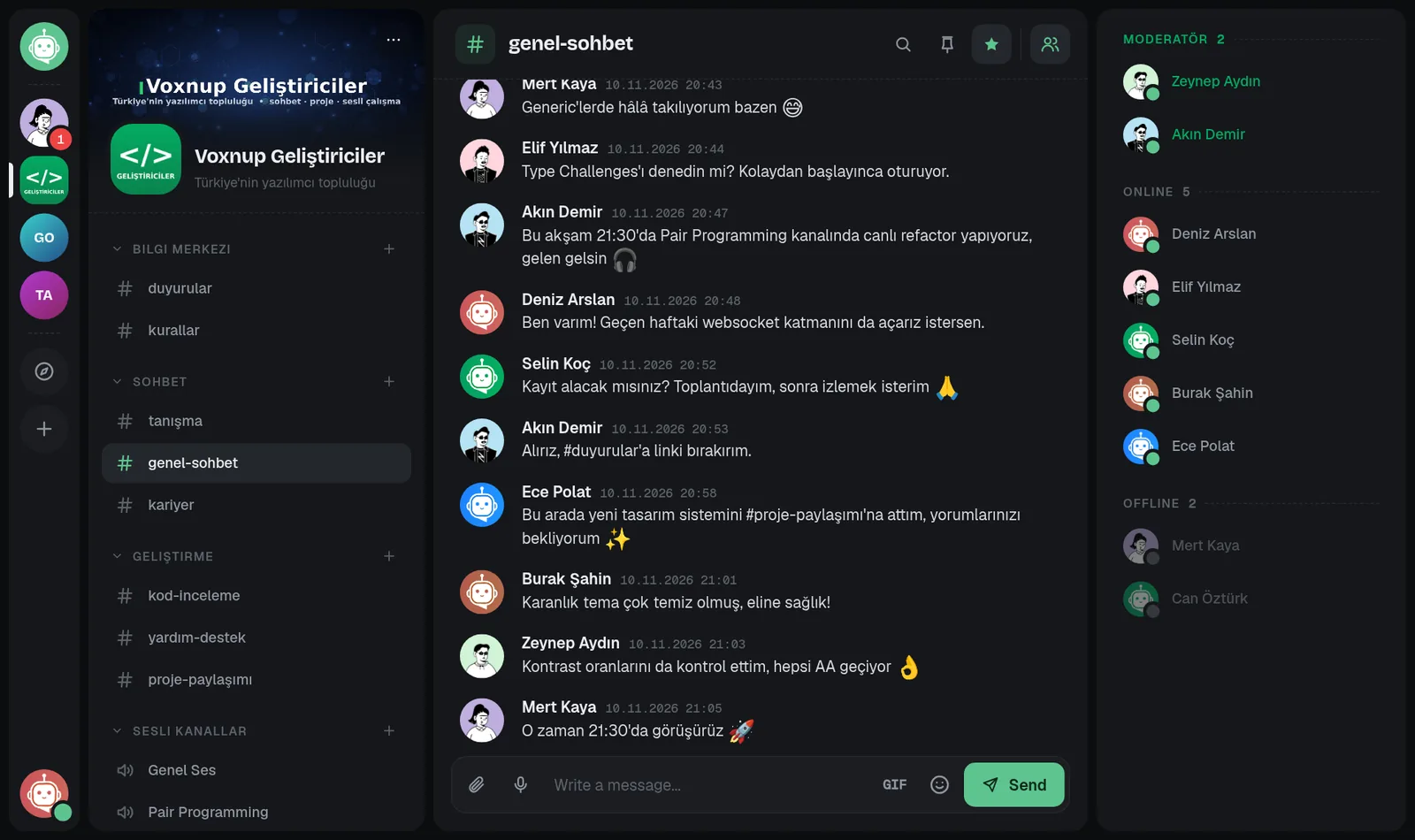
Your channel opens right away and appears on the left rail. You are the channel owner: you have every permission and only you can delete the channel. Now you can invite your friends.
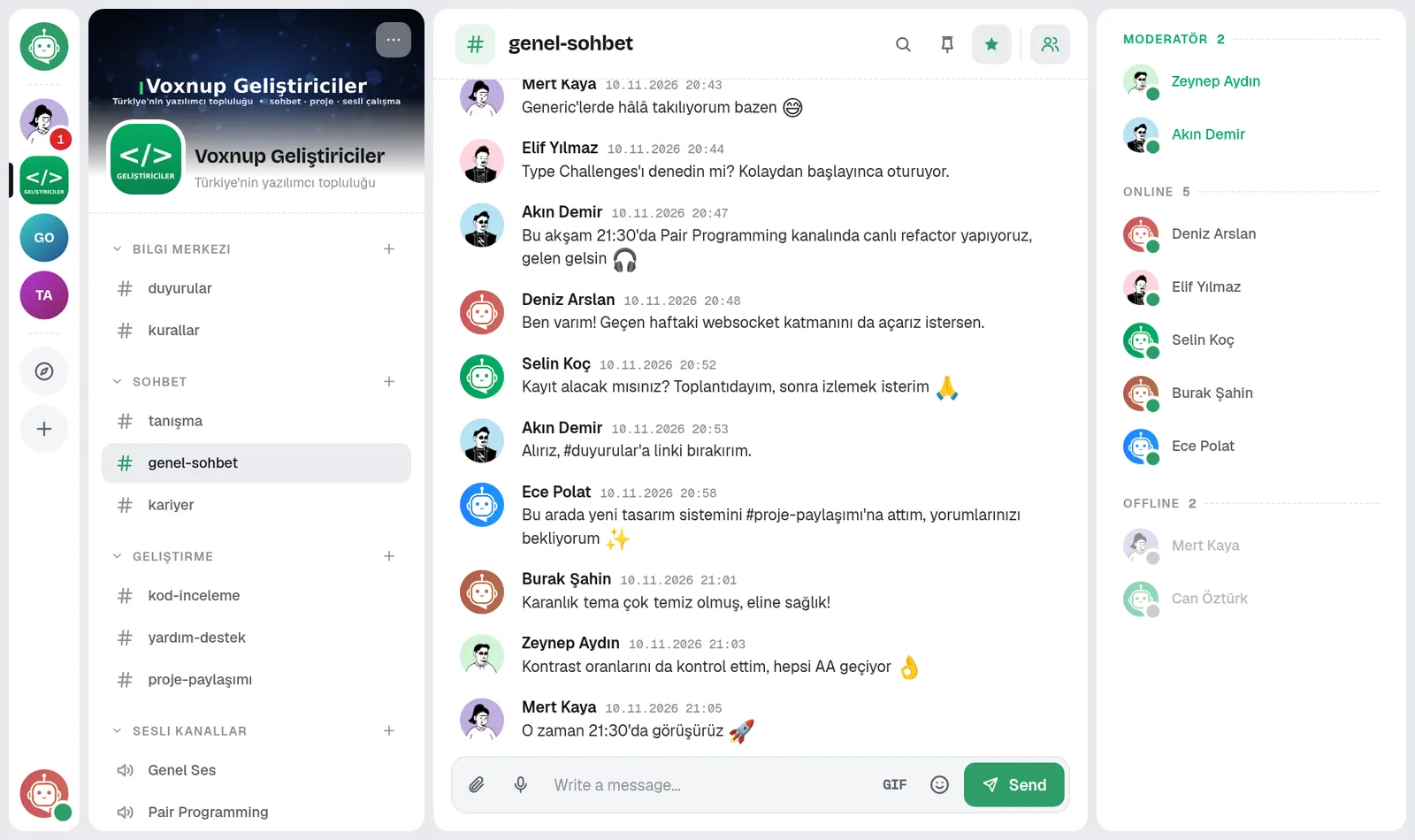
After creating your channel
- Bring your friends in: How do I invite people to my channel?
- Organise rooms: Creating rooms and categories
- Pick your moderators: Roles and permissions
Frequently asked questions
Does creating a channel cost anything?
No. Creating and using channels on Voxnup is free.
Is a channel the same as a server?
Yes. On Voxnup a community is called a "channel" and the text and voice areas inside it are called "rooms". They correspond to servers and channels on Discord.
Can I change the channel name later?
Yes. Open Edit Channel from the channel menu, change the name on the General View tab and click Save. The name must be 2 to 50 characters long.
Why isn't my channel showing in Discover?
Discover only lists channels that are public, have at least 100 members and have been approved by the Voxnup team as official channels. Details: Finding channels in Discover.