
How do I find new channels in Discover?
In the app, click the compass button (Discover Communities) on the left rail, search by name with the Search Communities box and click Join on the card of a channel you like. You can also browse the same list by category without signing in at voxnup.com/discover. Discover only lists channels that are public, have at least 100 members and have been approved as official channels by the Voxnup team.
Discover in the app
Click the compass button on the left rail
The compass sits below your channel list on the left rail, above the + button. The Discover button on the Overview page takes you to the same place.
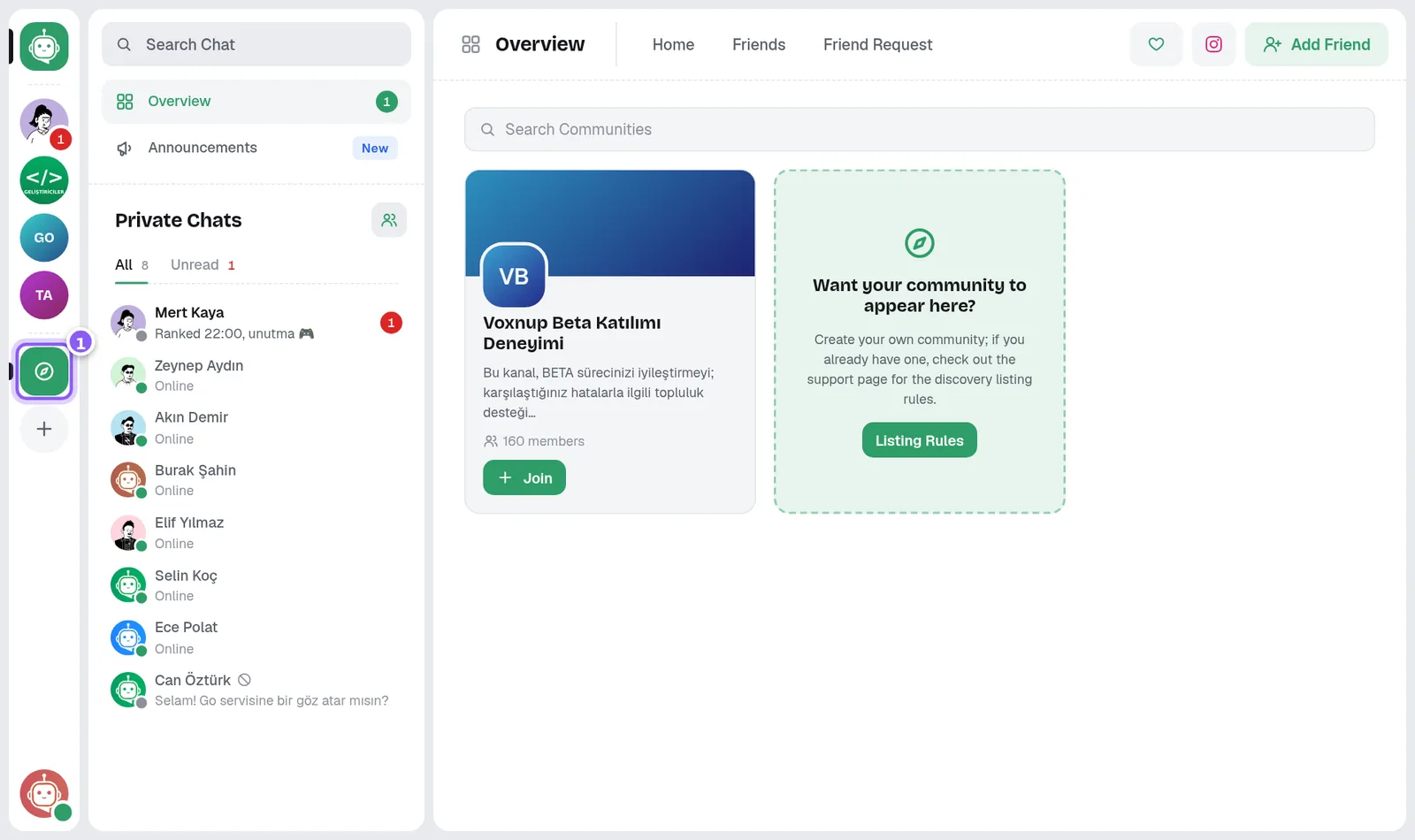
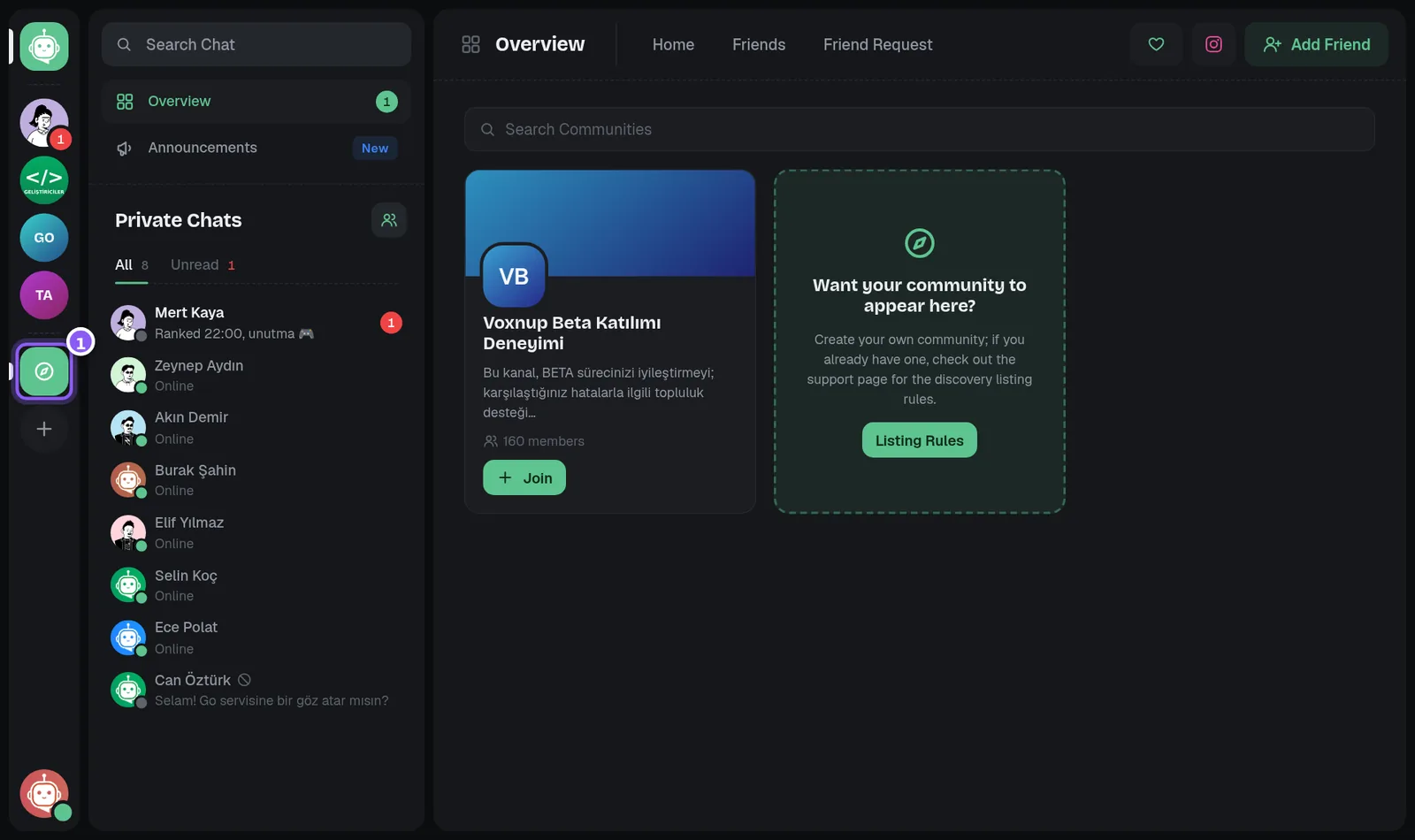
Search and join
Type a channel name in the Search Communities box. Clicking Join on a channel card adds the channel to your left rail; on channels you have already joined the button shows Joined. The Discover list in the app shows up to 20 channels; if you don't see the one you want, search for it by name.
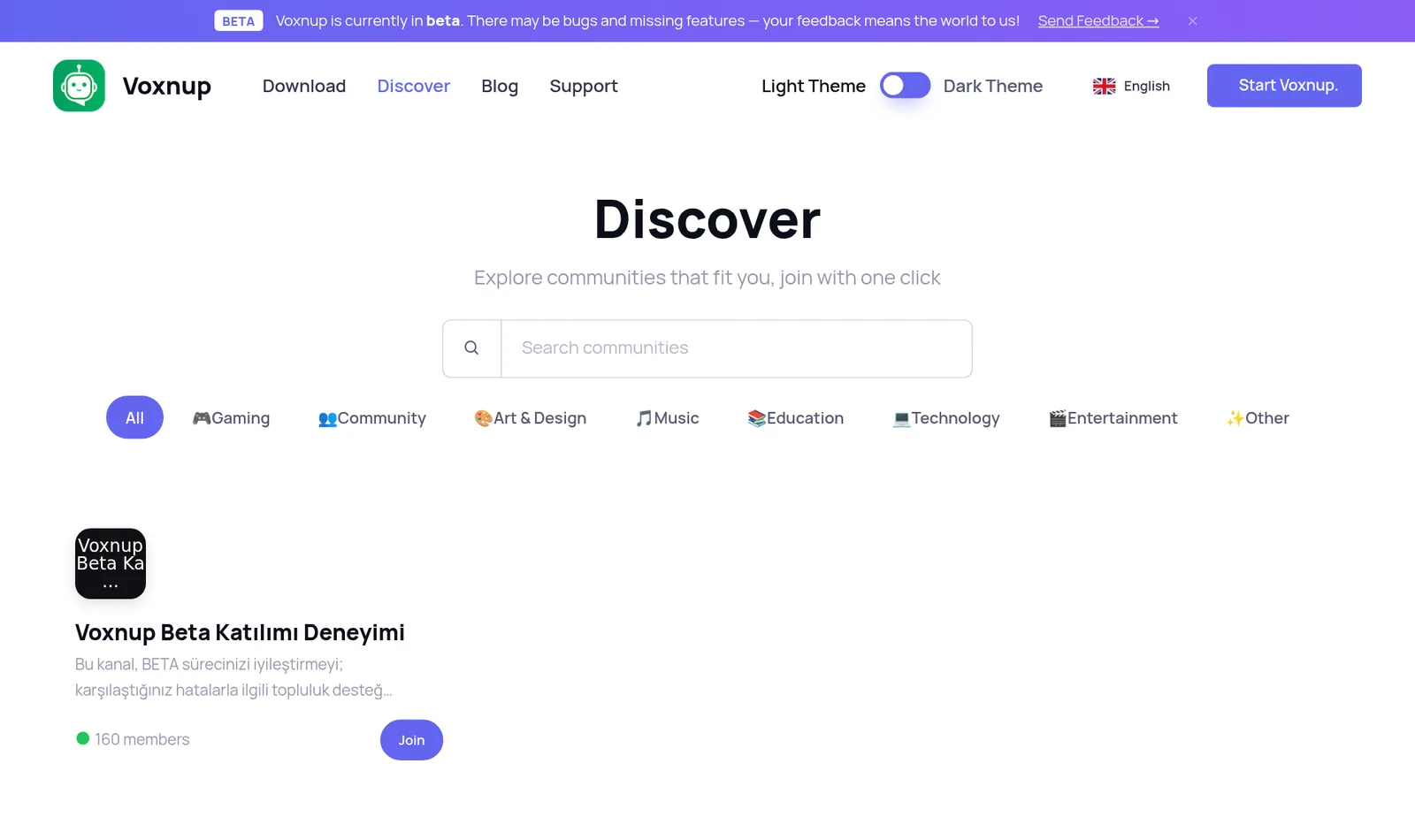
The Discover page on the web
The voxnup.com/discover page opens without signing in. You can filter channels with the All, Gaming, Community, Art & Design, Music, Education, Technology, Entertainment and Other tabs. If you click Join while signed out, you are taken to the sign-in page first.
How does my channel get into Discover?
A channel is listed in Discover only when all of the following are true:
- The channel is public: Invite-Only Joining on the Invites & Joining tab of the channel settings is off.
- The channel has at least 100 members.
- The Voxnup team has approved it as the official channel of its community. There is no apply button in the app; email support@voxnup.com with your channel's name to request approval.
A channel that meets the requirements and is approved appears in Discover automatically.
18+ age-restricted channels are shown in Discover only to users over 18; guests and minors don't see them.
Frequently asked questions
Why am I asked for an invite code when I click Join in Discover?
The channel has been switched to invite-only joining in the meantime. The screen says "This channel can be joined only with an invite. Enter your invite link or code:". Ask a channel admin for an invite link.
I made my channel public but it isn't in Discover.
Being public is not enough on its own. The channel also needs at least 100 members and approval from the Voxnup team as an official channel. Email support@voxnup.com to request approval.
Are the channels in Discover grouped by category?
Yes. The voxnup.com/discover page has Gaming, Community, Art & Design, Music, Education, Technology, Entertainment and Other tabs.