
Quick switcher (Ctrl+K) and keyboard shortcuts
Ctrl+K (⌘+K on Mac) opens the Quick switcher: type the name of a chat, person, channel or room, pick with ↑ ↓, and press Enter to go there. Default shortcuts: Ctrl+Shift+M toggles the microphone, Ctrl+Shift+D toggles deafen (both while in a voice room or call), Ctrl+Shift+K opens key bindings. You can change shortcuts in Settings → Key Bindings; the Push to Talk key only works in the Windows desktop app.
Using the quick switcher
Press Ctrl+K and start typing
When the window opens, Recent chats and Recent rooms are listed first. As you type, results appear under Chats, Friends, Channels and Rooms. Enter opens the selected item, Esc closes the window. Search Chat in the left panel opens the same window.
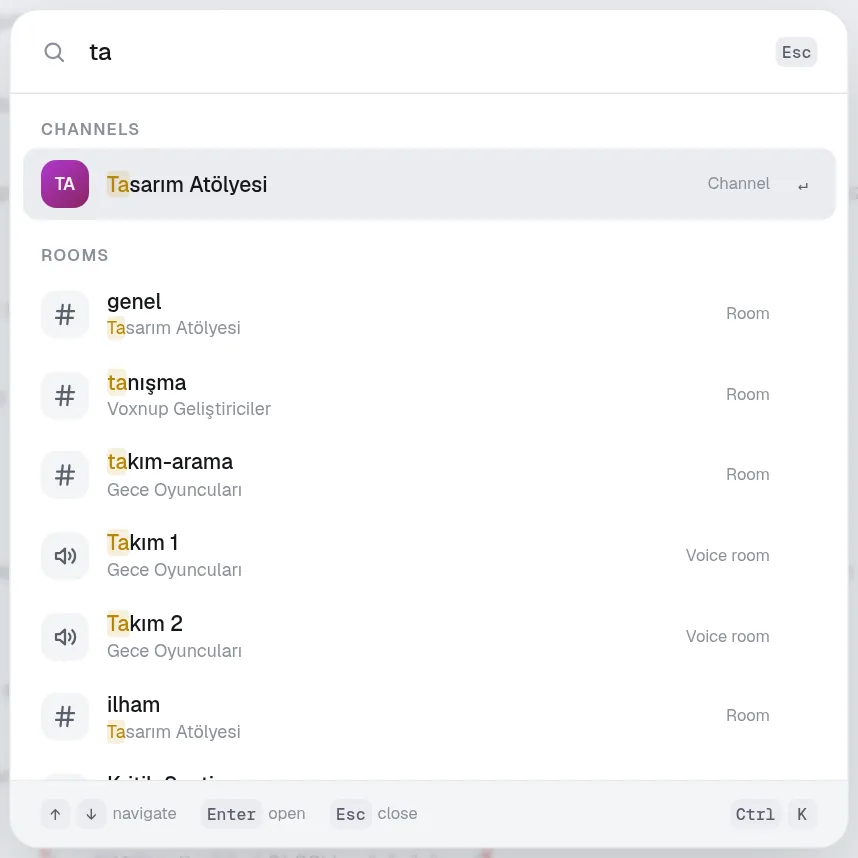
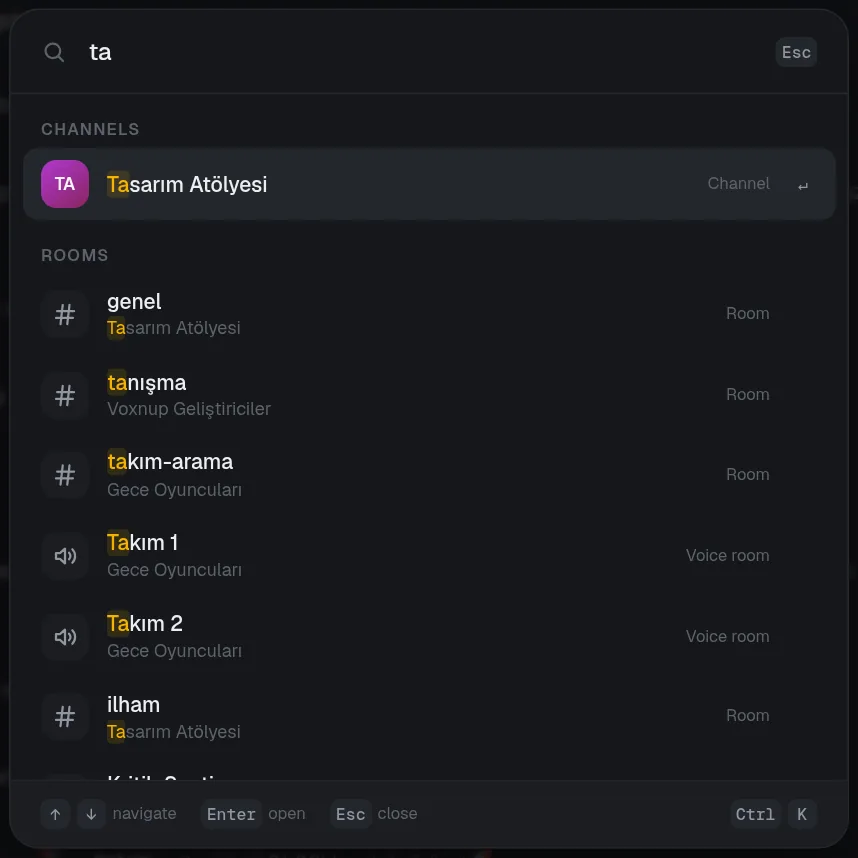
Shortcuts
| Shortcut | What it does | Where it works |
|---|---|---|
| Ctrl+K | Quick switcher | Everywhere |
| Ctrl+Shift+M | Toggle microphone | In a voice room or call |
| Ctrl+Shift+D | Toggle deafen | In a voice room or call |
| Ctrl+Shift+K | Opens the Key Bindings settings | Everywhere |
| Push to Talk (not assigned by default) | Turns the microphone on while you hold the key | Windows desktop app only |
| Enter / Shift+Enter | Send message / new line | Message box |
| R / E / Y | Add reaction / edit / reply | While the message menu is open |
| Esc | Closes the open window or Settings | Everywhere |
Changing a shortcut
Open Settings → Key Bindings and press the pencil button on the row you want to change. In the Set Keyboard Shortcut window, press the new key combination and click Save; Clear removes the shortcut. A combination already assigned to another action, or a modifier key on its own such as Ctrl/Shift/Alt, isn't accepted. Shortcuts are saved in this browser/device.
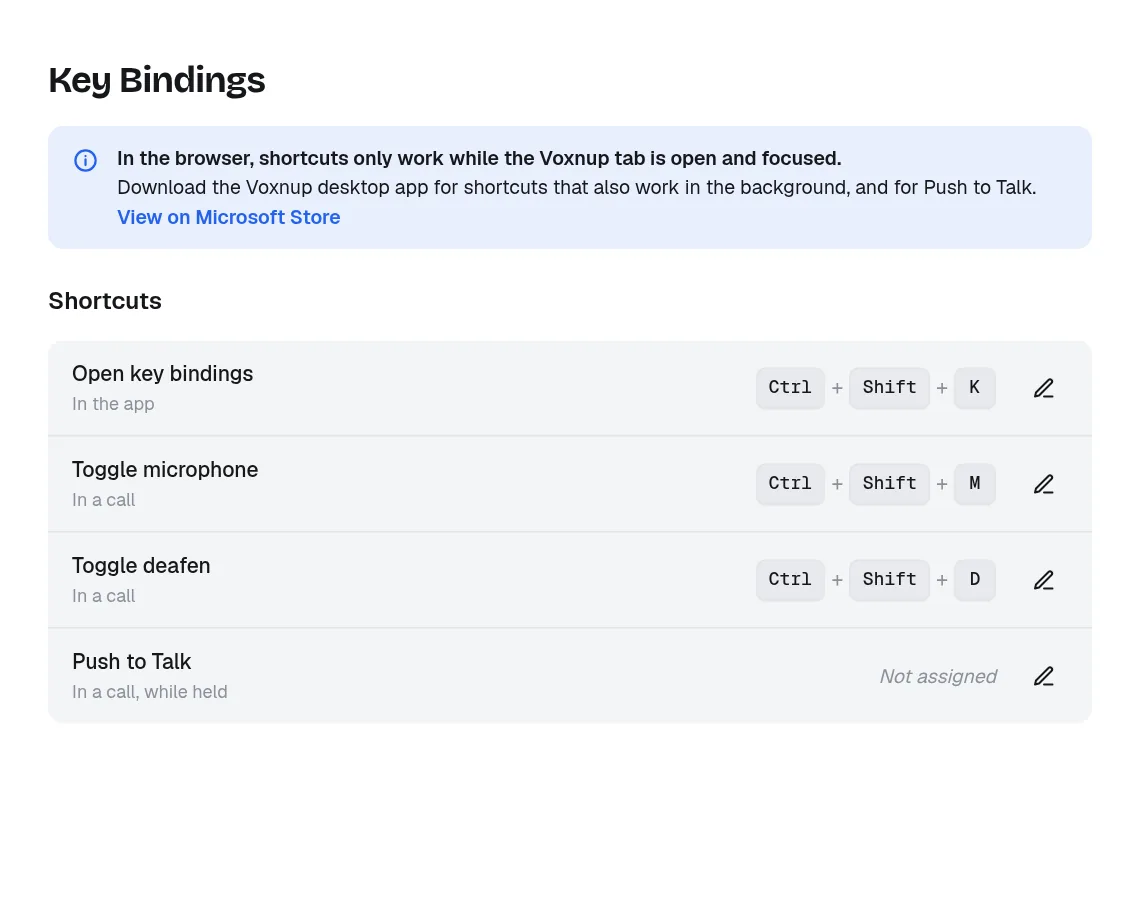
In the web browser, shortcuts only work while the Voxnup tab is open and focused. For global shortcuts that also work while you play, and for Push to Talk, use the Windows desktop app.
Frequently asked questions
Ctrl+K doesn't work.
The quick switcher doesn't open while another window (settings, a confirmation) is open; close it with Esc first.
Why is there no Push to Talk key in the browser?
Browsers don't tell websites about key presses while the tab is in the background. That is why Push to Talk only works in the Windows desktop app.