
How do I use Push to Talk?
Push to Talk means your voice is only sent while you hold the assigned key. On Voxnup it only works in the Windows desktop app, because the key has to be detected even while another window, like a game, is in front. To turn it on: Settings > Voice > Input Mode > Push to Talk, then assign a key to the Push to Talk row in Settings > Key Bindings. In the browser, Push to Talk can't be selected; your voice is detected automatically.
Turning on Push to Talk (Windows app)
Set Input Mode to Push to Talk
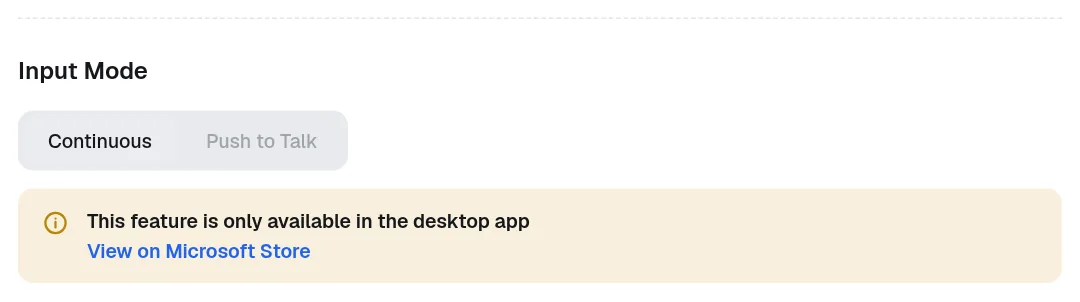
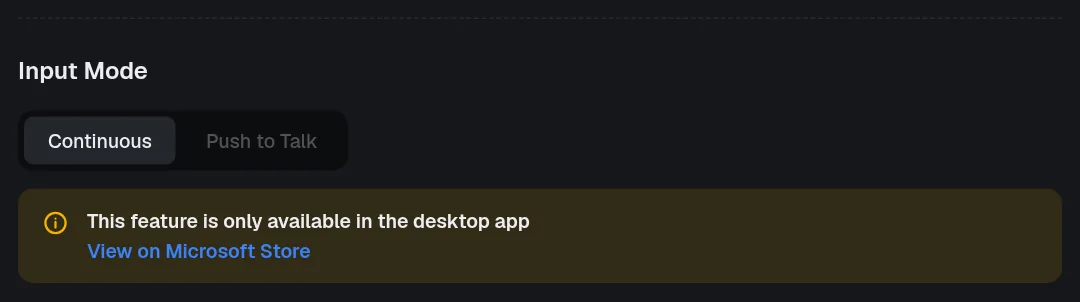
Your avatar → Settings → Voice → Input Mode → Push to Talk. In the browser this option is disabled, with the note "This feature is only available in the desktop app" and a Microsoft Store link next to it.
Assign a Push to Talk key
Settings → Key Bindings (shortcut Ctrl+Shift+K). Press the pencil icon on the Push to Talk row, press the key or key combination you want, then Save. By default no key is assigned to Push to Talk. Bindings that clash with another shortcut, or that consist only of modifier keys (Ctrl, Shift, Alt), aren't accepted.
Hold the key to talk
In a voice room, your voice goes through as long as you hold the key. If Push to Talk is selected but no key is assigned, Voxnup detects your voice automatically and shows this once: "Push to Talk is selected but no key is assigned. Your voice is detected automatically for now; assign a Push to Talk key in Settings > Key Bindings."
Frequently asked questions
Can I use Push to Talk in the browser?
No. The browser doesn't pass key presses to websites while their tab is in the background. In the browser your voice is detected automatically; you can set the sensitivity with Settings > Voice > Input Range. You can get the desktop app from the Microsoft Store: Download the app.
With Push to Talk on, my voice doesn't go through at all. Why?
You need to hold the assigned key. Make sure the key isn't used by another app, or assign a different key.