
Forgot password: how to reset your Voxnup password
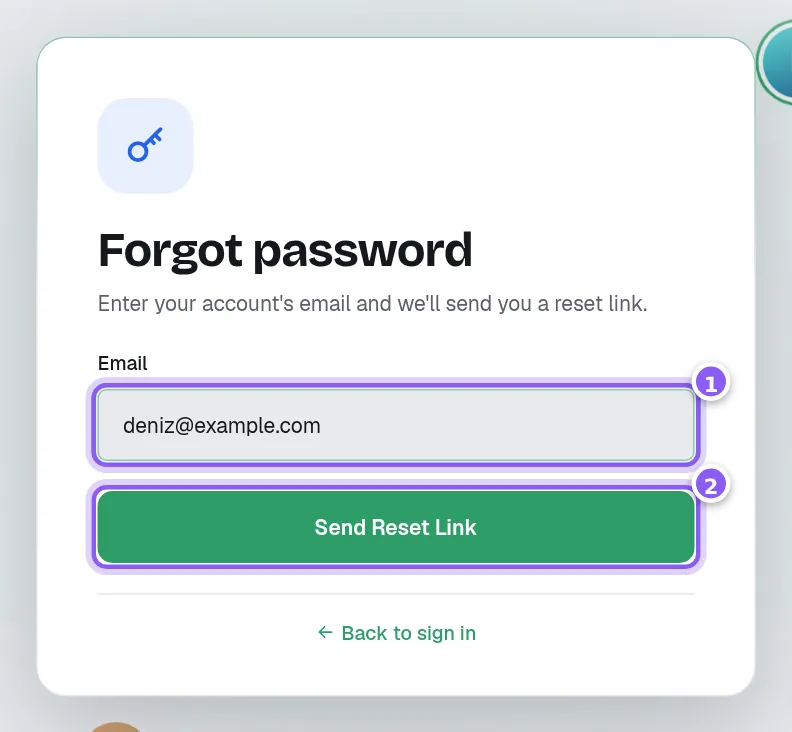
Click the Forgot password link on the sign-in screen (or go to voxnup.com/reset-password), enter your account's email address and press Send Reset Link. The link in the email is valid for 1 hour; in the Set a new password form, type your new password twice and press Save Password. Changing your password signs you out on all devices.
Reset your password
Open the reset page
Click the Forgot password link on the sign-in screen.
Enter your email address and send
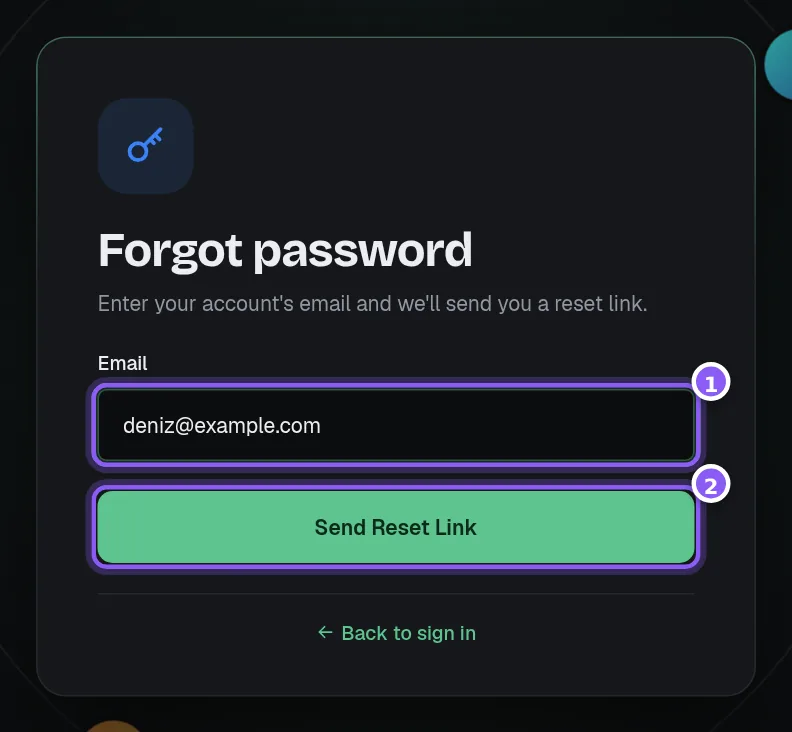
Type the email address registered to your account (1) and press Send Reset Link (2). The screen shows Check your inbox. For security, this message is the same whether or not the address is registered.
Click the link in the email
The link is valid for 1 hour and works once. If it didn't arrive, check your spam folder.
Save your new password
In the Set a new password form, type your password twice and press Save Password. The password must be at least 8 characters and contain an uppercase letter, a lowercase letter, a number and a special character.
Sign in again
Changing your password closes your sessions on all devices, including your phone and the desktop app. Sign in everywhere with your new password.
If you signed up with Google, Apple, Microsoft or Facebook, your account has no password. You can set your first password with this page; after that you can sign in to the Windows app with your email and password.
Frequently asked questions
The reset email doesn't arrive
Check your spam or junk folder and make sure you typed the address correctly. At most 3 reset requests per hour go to the same address, and at most 5 per hour from the same internet connection. Beyond that you see "Too many attempts. Please wait a moment and try again."
It says "This link is invalid or has expired."
The link is older than 1 hour or has already been used. Request a new link from the reset page.
I no longer have access to my email address
Email support@voxnup.com with your username. You may be asked for more information to confirm the account is yours.