
How do I create a Voxnup account?
Go to voxnup.com/register, fill in Email, Display name, Username and Password, tick I confirm that I am over 13 years old. and press Sign Up. Your account is created when you click the link sent to your email; the link is valid for 1 hour. You can also sign up with your Google, Apple, Microsoft or Facebook account.
Sign up with email
Open the sign-up page
Go to voxnup.com/register or click the Sign Up link on the sign-in screen.
Enter your details
- Email: the verification link is sent here.
- Display name: the name people see, 2–32 characters. You can change it later.
- Username: 3–32 characters; letters, numbers, dot (.) and underscore (_) only. Friends add you with it.
- Password: at least 8 characters, with an uppercase letter, a lowercase letter, a number and a special character.
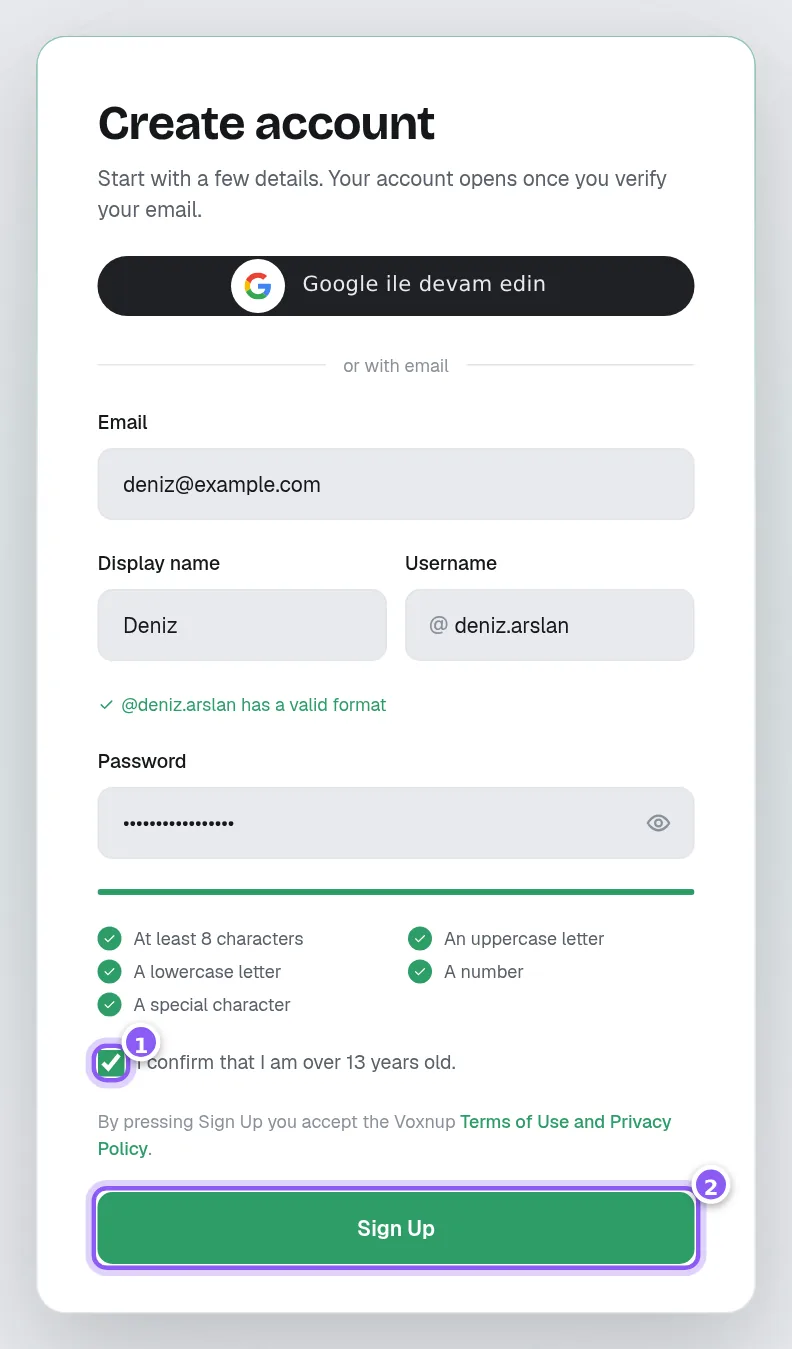
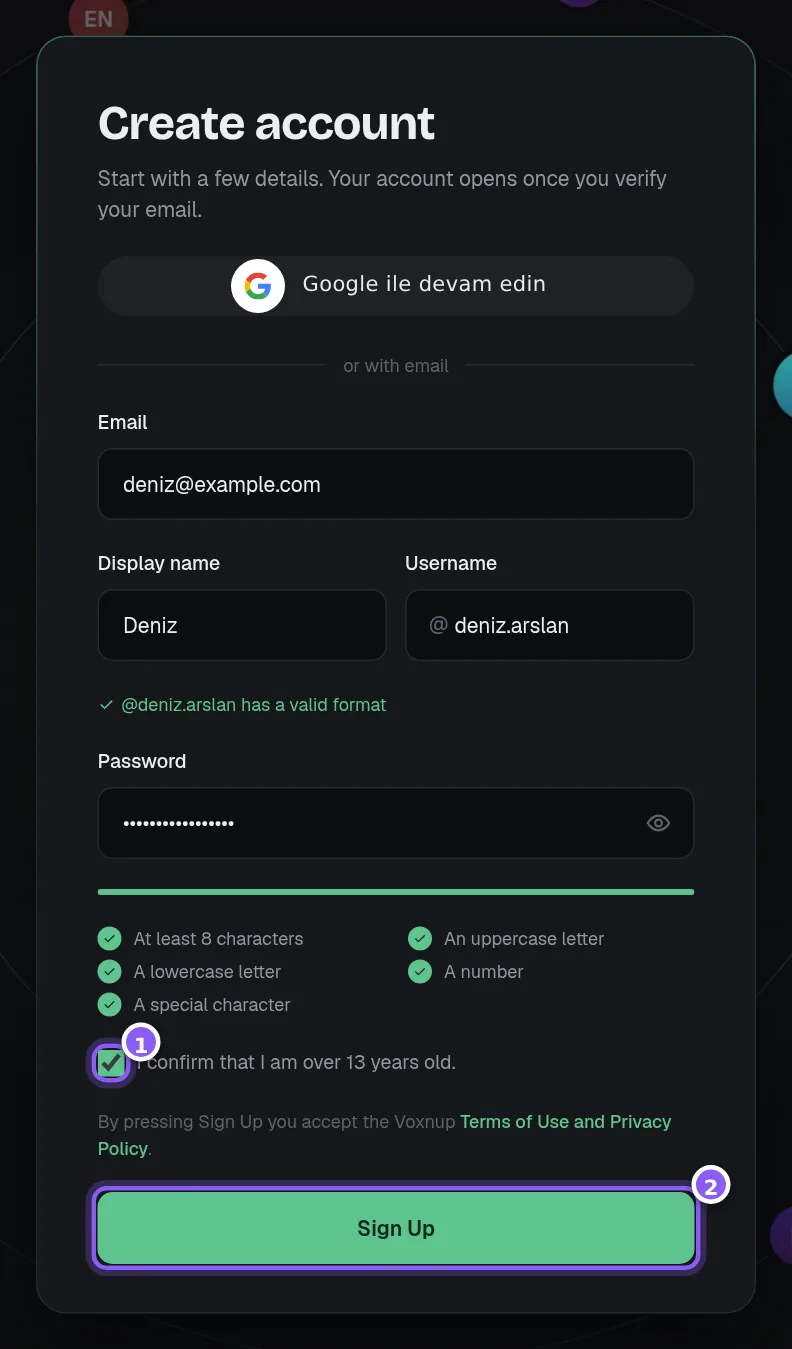
Tick the age confirmation and press Sign Up
Tick I confirm that I am over 13 years old. (1), then press Sign Up (2). By pressing Sign Up you accept the terms of use.
Click the link in your email
The Check your email screen opens. Click the link in your inbox to create your account and sign in. The link is valid for 1 hour.
The verification email didn't arrive
- Check your spam or junk folder.
- Use the Resend link button. You have to wait 60 seconds after each send, and the same address gets at most 3 emails per hour.
- If you mistyped the address, go back with Use a different email.
- If the 1-hour link has expired, sign up again.
If you'd rather not deal with a password, sign up with the Google, Apple, Microsoft or Facebook buttons on the same page. See Sign in with Google, Apple, Microsoft or Facebook.
Frequently asked questions
I get "This username is already taken."
Usernames are unique. Try another one, for example by adding a number, a dot or an underscore.
It says "This email address is already registered."
An account already exists with this address. Reset your password with Forgot password and sign in.
Why wasn't I asked for my date of birth?
At sign-up you only confirm that you are over 13. Your date of birth is asked only the first time you enter a channel or room marked 18+.
Can I sign up in the app?
Yes, the Windows, Android and iOS apps have a sign-up screen too. It is the same account everywhere.